Next.js Tutorials
Fix typescript error: Unexpected any and empty object issues

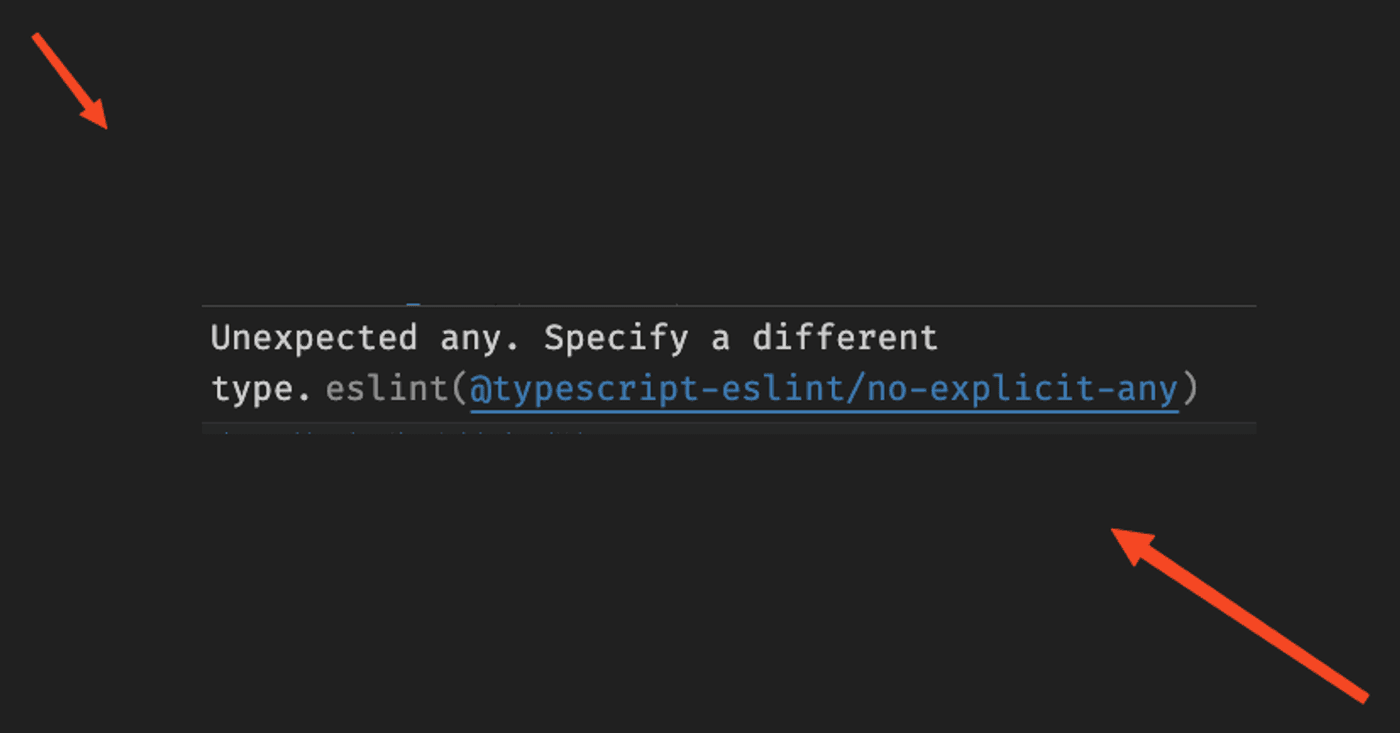
To fix typescript error messages on a new project, start here. Two ESLint errors show up on every fresh Next.js and TypeScript project: Unexpected any, and the warning that {} allows any non-nullish value. Both come from next/typescript. Here is the flat-config block that switches them off — and when you should not.


The fix: typescript error rules in eslint.config.mjs
eslint.config.mjs
import { dirname } from "path";
import { fileURLToPath } from "url";
import { FlatCompat } from "@eslint/eslintrc";


const __filename = fileURLToPath(import.meta.url);
const __dirname = dirname(__filename);


const compat = new FlatCompat({
  baseDirectory: __dirname,
});


const eslintConfig = [
  ...compat.extends("next/core-web-vitals", "next/typescript"),
  // = = = = = = = = = = = = = = = = = =
  // TO AVOID ERROR OF
  // Unexpected any. Specify a different type.eslint@typescript-eslint/no-explicit-any
  // AND
  // The {} ("empty object") type allows any non-nullish value, including literals like 0 and "".
  // = = = = = = = = = = = = = = = = = =
  {
    rules: {
      // Turn off `no-explicit-any`
      "@typescript-eslint/no-explicit-any": "off",


      // Allow `{}` as a valid type
      "@typescript-eslint/ban-types": [
        "error",
        {
          "types": {
            "{}": false,
          },
        },
      ],
    },
    parserOptions: {
      project: "./tsconfig.json",
      tsconfigRootDir: __dirname,
    },
  },
  // = = = = = = = = = = = = = = = = = =
  // ERROR FIXED
  // = = = = = = = = = = = = = = = = = =
];


export default eslintConfig;
What each rule was actually telling you
- no-explicit-any —
anyswitches off type checking for that value. The compiler stops helping you, silently. - The empty object type —
{}does not mean "an object". It means "not null or undefined", so a string satisfies it too. Rarely what you meant.
Turning a rule off does not fix the code. It stops the editor telling you about the code. Sometimes that is the right call — but know which one you are doing.
When I actually do this
I switch these off while migrating an older codebase, when the noise drowns out real errors. That is a temporary state.
I would not start a new project this way. Change "off" to "warn" instead: you still ship, and the list of places to fix stays in your terminal. That is the setting I reach for most.
And where you would write {}, write Record<string, unknown>. It says what you meant, and the rule goes quiet on its own.
Questions
Questions this post answers
How do I fix the Unexpected any error in Next.js and TypeScript?
- Both this and the empty object warning come from next/typescript, and both are switched off in a flat-config block in eslint.config.mjs. The post has the block. Read the section after it first, though — turning a rule off does not fix the code, it stops the editor telling you about the code.
What was the no-explicit-any rule actually telling me?
- That any switches off type checking for that value, so the compiler stops helping you, silently. It is a warning about lost safety, not about style.
Why does the empty object type warning appear when I meant an object?
- Because {} does not mean an object. It means not null or undefined, so a string satisfies it too — rarely what you meant. Where you would write {}, write Record<string, unknown> instead: it says what you meant, and the rule goes quiet on its own.
Should I switch these rules off on a new project?
- I would not. I switch them off while migrating an older codebase, when the noise drowns out real errors, and that is a temporary state. On a new project change off to warn instead — you still ship, and the list of places to fix stays in your terminal.