
WordPress speed optimization service
WordPress speed optimization service, done on a staging copy with your design kept
A WordPress speed pass makes the site you already have lighter on a phone, and its design stays exactly as it is.
- Baseline: five key pages timed on a phone, saved
- Image pass: sizing, WebP, lazy-loading, the hero image done properly
- Theme and plugin audit: what loads where; unused plugins off; the heavy one replaced
- Caching: page, object and browser cache; a CDN where it helps
- WooCommerce pass: cart fragments, checkout exclusions, product images
- Live re-check, the before/after report, a fix window
- 9+ years
- building for the web, since 2017
Try it
Reload the page before and after the pass.
Left: a page with a 4 MB hero image and no caching. Right: the same page after the pass. The clock runs at double speed, and the green line is Google's 2.5-second mark for the main image.
Illustrative timings, not your site's — the free speed check measures the real thing, and the pass is reported as measured-before / measured-after.
Overview
What the WordPress speed optimization service does
A WordPress speed optimization service, the way I run it, starts with a measurement and ends with the same measurement. Five key pages, on a real phone, saved. Then the fixes, in order of effect. Images come first, because the hero image is the usual cause, like a 4 MB photo on a page that needed 200 KB. Then the theme's own scripts and styles. Then the plugins without a job that still load on every page. After that come server caching and a CDN, and finally the host's response time. All of it happens on a staging copy first, with a backup taken before anything changes. Then the same five pages are measured again on the live site, and the two numbers sit side by side in the report.
WooCommerce gets its own pass — the cart fragments, the checkout that must never be cached, the product images — because a fast shop and a fast blog are different jobs. The free WordPress site check and speed check on this site show where you're starting before anyone talks.
I keep to that order, and it's the same on every site.
- Images: sized, compressed, lazy-loaded — the usual biggest win
- Theme and plugins: what loads on every page, and what shouldn't
- Caching and CDN — the page built once and served from a copy near the visitor — set up to suit WordPress
- WooCommerce: the cart's live updates (cart fragments), checkout and product pages handled the way a shop needs
- Hosting: the server's first response, and whether it's the host or the site
What a scope from me looks like
The speed pass, in lines
Included
- Baseline: five key pages timed on a phone, saved
- Image pass: sizing, WebP, lazy-loading, the hero image done properly
- Theme and plugin audit: what loads where; unused plugins off; the heavy one replaced
- Caching: page, object and browser cache; a CDN where it helps
- WooCommerce pass: cart fragments, checkout exclusions, product images
- Live re-check, the before/after report, a fix window
Phase two
- A lighter theme or a redesign, if the theme is the cause
- A hosting move, if the server is the cause
- A care plan, so it stays fast as content is added
Not doing
- A promised PageSpeed score
Every fix is its own line, and the audit decides which lines your site needs.
A staging copy is part of every job, so each fix is tried where it can't touch your live site.
Process
How a WordPress speed pass runs
Your site stays live throughout, and each change is tried on a copy first.
- 01
Talk through the slow pages
Which pages matter, what the site runs on, where it's hosted and what changed when it got slow. If a rebuild would serve you better, you'll hear that here.- You
- Tell me the pages that earn money and bring the free check's result.
- Get
- A plan for the pass and a rough range
- 02
Baseline and audit
Five key pages are timed on a phone and saved. The theme, plugins, images, caching and host get audited. The fix list comes back ordered by effect.- You
- Admin and hosting access; a staging copy, or let me make one.
- Get
- A baseline and a priced fix list
- 03
Fixes on staging
Images, theme, plugins, caching, then whatever else the audit found. All on the staging copy, backup taken first. Plus the WooCommerce pass if it's a shop.- You
- Approve removals: plugins that go, scripts that go.
- Get
- A staging site you can measure yourself
- 04
Your click-through, our re-time
You click through the pages on your own phone, especially the checkout. We'll re-time it and adjust what's needed.- You
- Click through; place a test order if it's a shop.
- Get
- Confirmed working, measured lighter
- 05
Go live and re-time
The changes go live, then the same five pages are re-timed and both numbers go into the report.- You
- Sign off.
- Get
- The before/after report
- 06ongoing
Staying fast
Speed drifts as plugins and content are added, so a care plan times the key pages every month, or you'll follow the report's checklist yourself.- You
- Decide: care plan, or your own cycle.
- Get
- A monthly number, or the checklist
- Talk through the slow pages
- Baseline and audit
- Fixes on staging
- Your click-through, our re-time
- Go live and re-time
- Staying fastboth
Tech stack
What a WordPress speed pass uses
Timing first, then the smallest set of tools that fix what it found.
| CRITERION | What I use | Why |
|---|---|---|
| Timing | Real phones; Core Web Vitals; the free speed check | The load a visitor sees on a phone |
| Images | Resized WebP, lazy-loading, a proper hero | The hero image is where the pass starts |
| Theme | Astra, Hello or the one you have — trimmed | What loads on every page decides the floor |
| Plugins | Fewer; the heavy one replaced | Each active plugin can add weight to every page |
| Caching | Page cache, object cache (the database's answers kept ready), browser cache, a CDN (copies of the site close to the visitor) | Served once, read many times |
| WooCommerce | Cart fragments controlled, checkout uncached, product images sized | A shop cached like a blog breaks the checkout |
| Hosting | The host's first byte, measured | Sometimes it's the server; the number says |

Why it matters
What slows a WordPress site, and what the pass changes
The causes are ordinary, and the free WordPress site check flags them. A hero image uploaded at full camera size. A theme that loads the scripts for every layout it offers. A plugin added for one feature that loads on every page. Each one is fixable on a staging copy, which is why it's scoped as a small job.
You can set the result beside your own bounce rate. Google and Deloitte have both published figures on how load time affects visitors on phones.
Each cause has its own fix.
Where the server sits relative to your customers is part of the check. For a shop selling into the US, I look at the host's first response from there, because every page load pays for the distance.
- Images, theme, plugins, caching, host — because that's the order of effect
- On a copy, with a backup — nothing goes live untested
- WooCommerce checkouts tested with a real order
What the research says
How load time changes what mobile visitors do
Google measured real mobile visits, and Deloitte measured what a tenth of a second was worth across 37 brand sites. The green band is the load time Google calls good.
At 3.0 s a mobile visitor is +32% more likely to leave than at 1 s, as Google published it. Measure your page →
The rise after mobile pages got 0.1 seconds faster.
- Retail conversion rate8.4%
- Retail spend per order9.2%
- Travel conversion rate10.1%
These figures are other people’s research, quoted as published. Your own site’s numbers come from the free checks and the audit.
Start with the page that earns
Run the free speed check on the page that brings you the most enquiries or orders. That number's where the pass starts, and the meeting is where we plan it.
Case study
WordPress builds on the record
The WordPress builds on this site are built thin, and that's on purpose — Tesla Electrical Company, Cornhusker Capital, IMX Maintenance — with a lightweight theme, a plugin audit at the start and images sized before upload. The speed pass applies the same discipline to the site you already have.
Your report is yours to keep, and it's made from your own pages.
Client feedback
What clients say
- ★★★★★
“Sandipan did a perfect job redesigning my old website.”
On the live site
Your design untouched, your pages lighter
The images are sized for the screens they land on. The theme loads only what each page uses, the plugins without a job are switched off, and the cache serves pages that were built once. If it's a shop, the checkout stays live and uncached, tested with a real order.
- 900+ projects
- since 2017
- 4.9★
- 400+ five-star reviews on Fiverr
- 9+ years
- building WordPress and Next.js sites
Support is the whole team, not one person — reach us any time, and someone picks it up.
“Working with Sandipan Das was fantastic! The attention to detail and professionalism in his work was outstanding, and his proactive communication and timely delivery made the entire process smooth. He crafted the website exactly as I envisioned—highly recommend! 👍”
Schedule a Meeting
Book a meeting about the site, and I'll walk you through the order the fixes would go in.
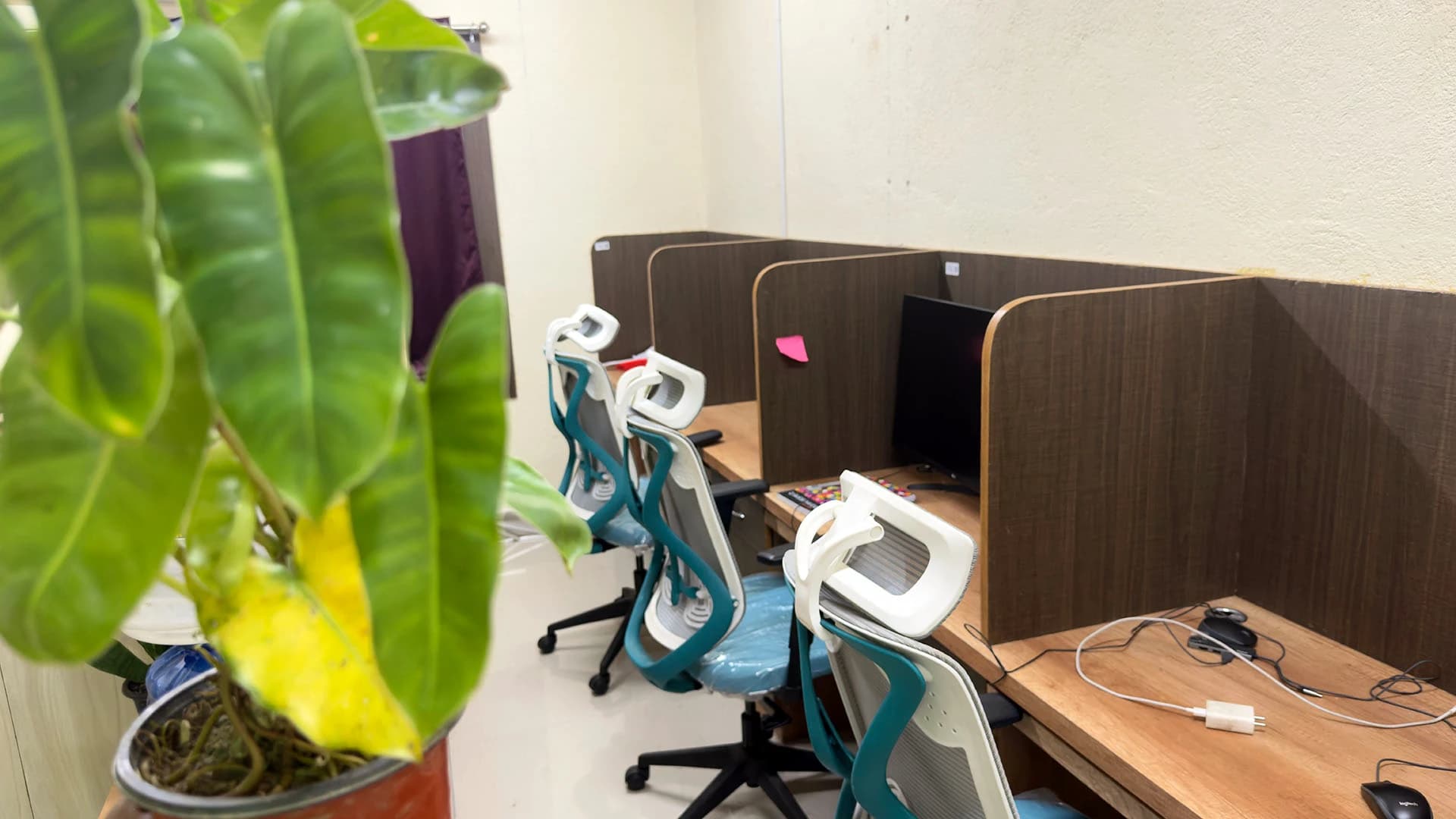
A real office, real people
Led by me, built with my team — in Kolkata, India.
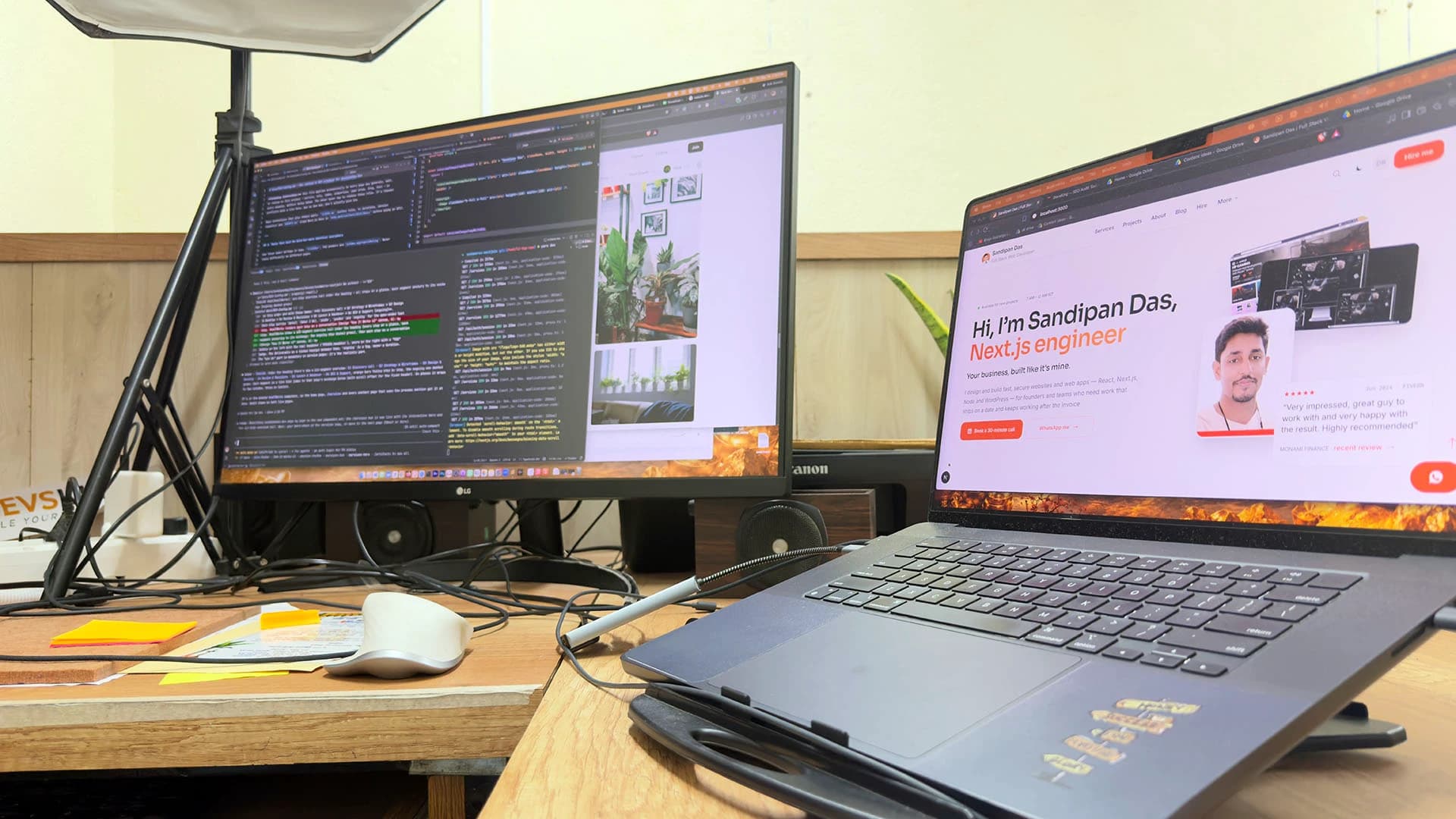
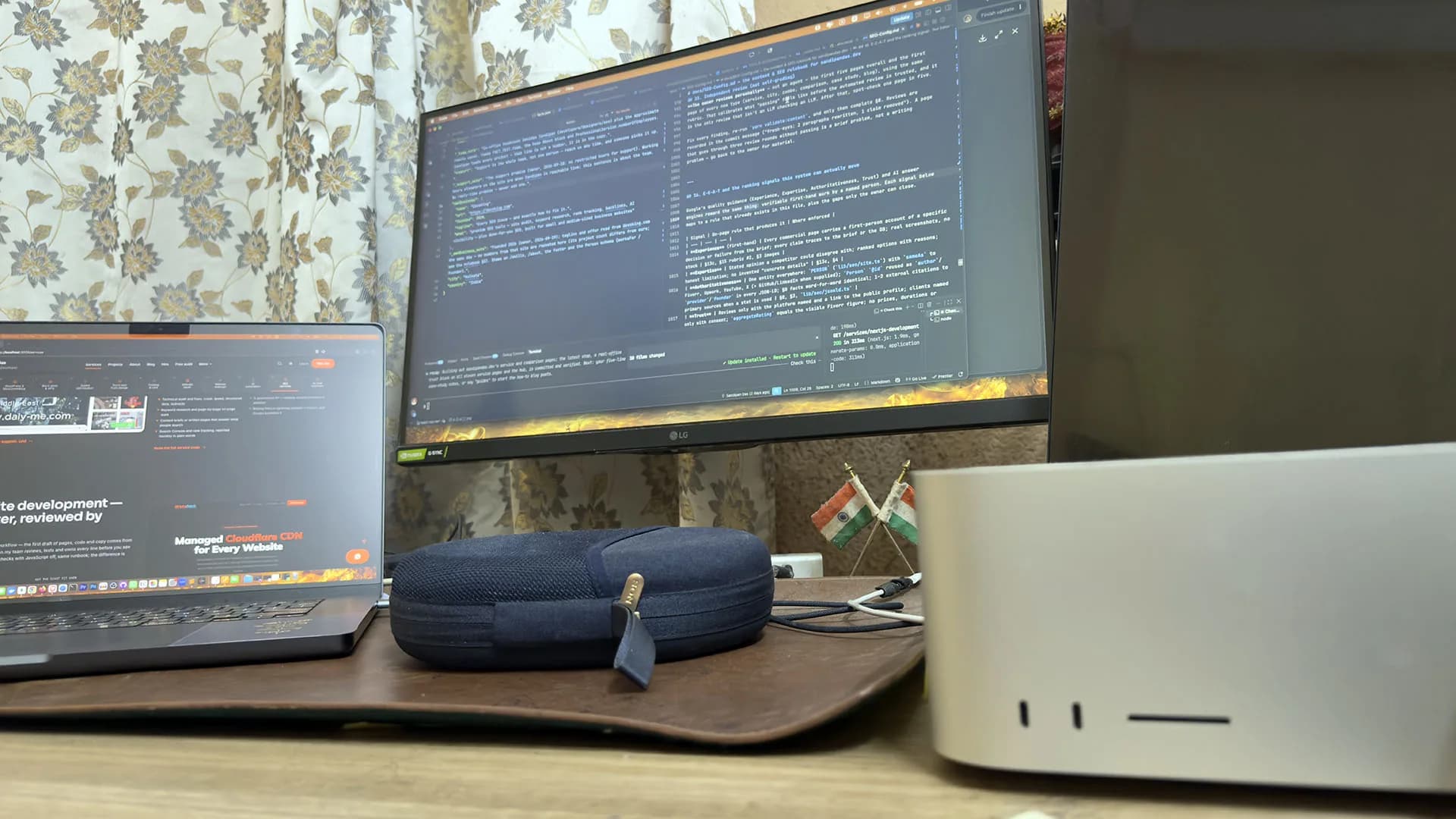
The team: three developers, a designer and three SEO specialists in the Kolkata, India office, plus around six people working remotely. Speed passes are tested on real phones at this desk, with the checkout tried the way a customer would use it.

Sandipan Das
You talk to me; I’m the one accountable for the work.
- Availability
- The team works on your schedule, in your time zone.
- Support
- Support is the whole team, not one person — reach us any time, and someone picks it up.
Pricing
How a WordPress speed pass is priced
The free speed check gives the baseline, and after the audit the fixes become lines in order of effect. Some sites need the host moved, and a heavy theme may need replacing. Either way, you'll see the numbers before you decide.
A WooCommerce shop gets the most careful line. The checkout is excluded from caching and tested with a real order before anything goes live.
What turns a scope into a figure is on the quote page; the general speed page covers sites that aren't WordPress.
- Baseline: the free speed check
- Fixes: one line each, biggest effect first
- Afterwards: the care plan keeps the number — its own decision
Next step
Plan the pass with me
Book a meeting with the address of your slowest page. You'll leave with a yes or no on the pass and a rough range.
How do you speed up a WordPress site without breaking it?
- You speed up a WordPress site without breaking it by working on a copy of the site, backed up first, and fixing in order of effect: images, theme scripts, unused plugins, caching, then the host. Nothing goes live until you've clicked through it, and a shop's checkout is tested with a real order.
Slow WordPress site fix — will the optimization break my plugins or theme?
- A slow WordPress site fix is made on a copy, one change at a time, with each page checked afterwards, so your plugins and theme keep working. The only plugins that go are the ones you approve removing. The theme is trimmed and kept, unless the measurement shows it's the theme itself causing it.
Is my slow WordPress site the hosting or the site?
- The site is the usual cause. Oversized images, a heavy theme and unused plugins add most of the wait; the free WordPress site check on this site lists the plugins, and the free speed check measures the wait. A hosting problem shows up as a slow first byte, the blank screen before anything draws, so you'll know which it is before choosing a fix.
Can you speed up a WooCommerce store?
- WooCommerce speed optimization is its own pass: cart fragments — the small requests that keep the cart count live — controlled so they don't hit the server on every page, the checkout excluded from caching so it never serves a stale cart, product images sized, and the whole thing tested with a real order on a staging copy before it goes live.
What are WordPress Core Web Vitals, and does the speed pass fix them?
- A WordPress speed pass from my team works on all three Core Web Vitals, which are Google's measures of how a page feels on a phone. They're how fast the main content appears, how quickly the page responds to a tap, and how much it shifts while loading. The pass works on the usual causes of all three, which are images, scripts and layout.
What result does a WordPress performance optimization pass promise?
- A WordPress performance optimization pass promises the method and the report: the same pages measured on a real phone before and after, the fixes made in order of effect, and both numbers side by side. A PageSpeed score moves with the tool's own test settings, so the report shows the load a visitor feels.
Published · Updated