
Figma to website development
Figma to website development that matches your file on every screen size
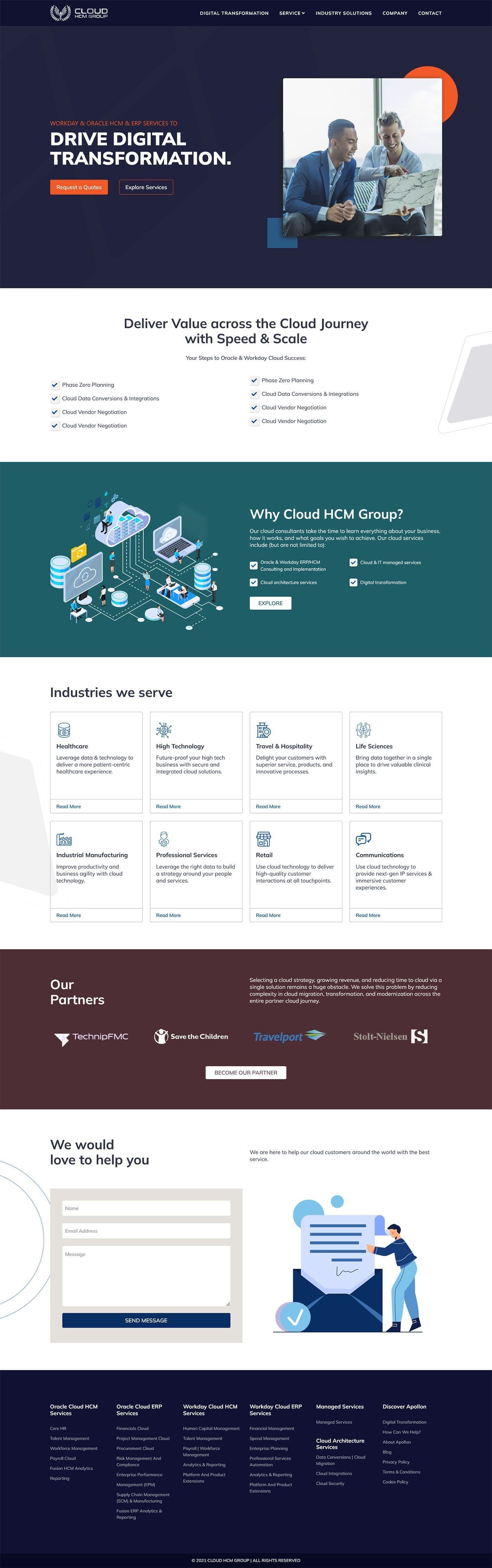
Designers and founders send me a finished Figma file, and what comes back is that design as a working site.
- Design review of every frame before the build
- Component library from the file: buttons, forms, cards, navigation
- The pages in the file, responsive at agreed breakpoints
- Accessibility pass: keyboard, focus, contrast, alt text
- Performance pass: images, fonts, scripts
- Handover: repository or theme files, and a runbook
- 9+ years
- building for the web, since 2017
Try it
Your design on the left. The code on the right. Drag the line.
The dashed frame is the Figma file — spacing, radii, columns. The page beside it is what the browser renders. Move the handle and the edges should meet; switch the overlay on to check every one.
Pixel-accurate means the coded page measures the same as the design at every breakpoint — this is the check I do on real devices before you see a preview.
Overview
Who Figma to website development is for
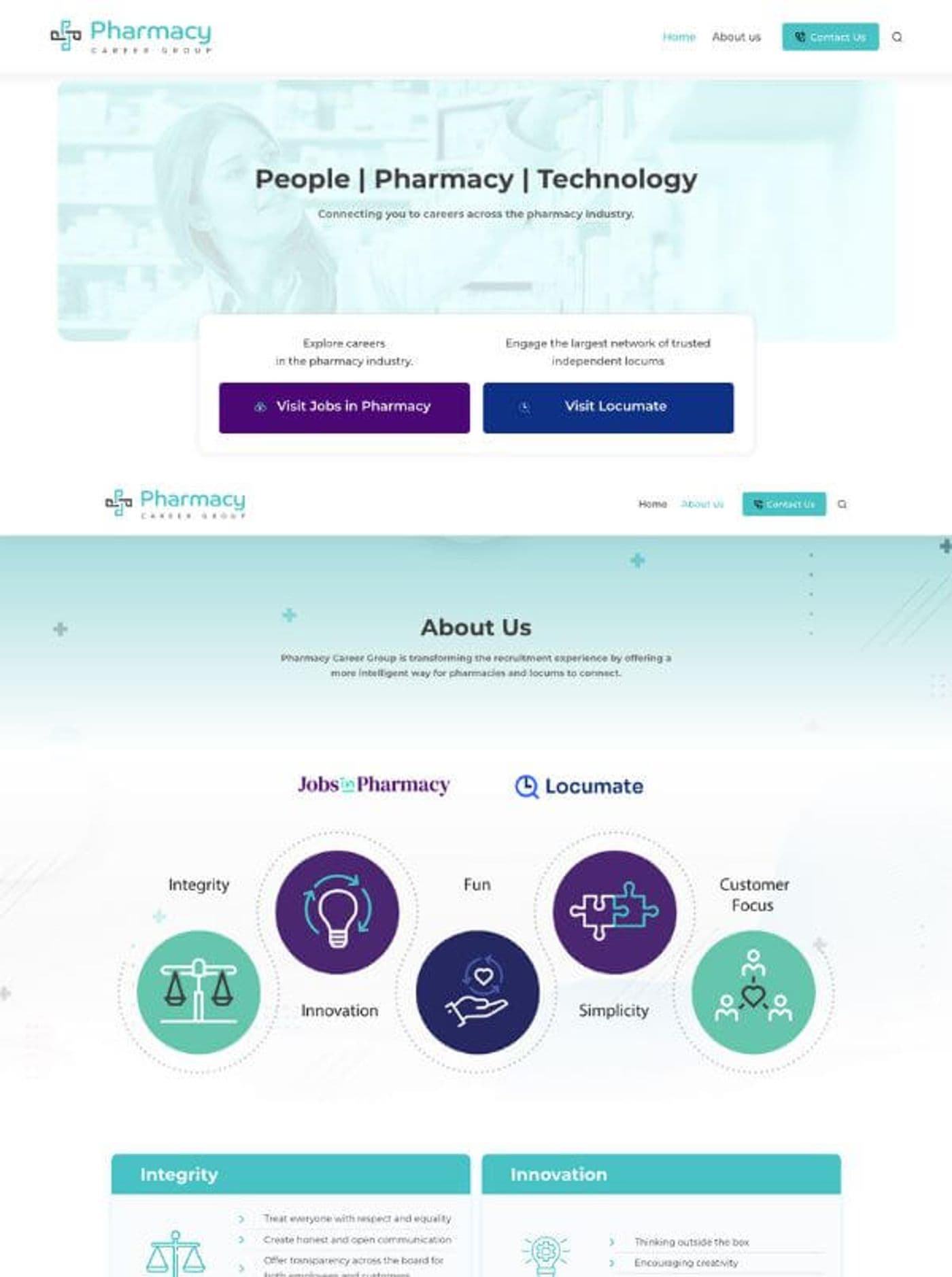
Figma to website development is for a designer, an agency or a founder whose design is finished and signed off. I build the file into a working site, component by component. The gaps, font sizes and colours on the live site are the ones your designer set.
- Spacing, type and colour taken from the Figma file's own values
- Hover and focus states for every button, link and field
- Responsive at agreed breakpoints, checked on real phones as well as in the browser
- Accessible by default: keyboard use, visible focus, contrast and alt text
- Built in Next.js and Tailwind, in WordPress using Elementor or the block editor, or in plain HTML and CSS
What a scope from me looks like
A first scope for a finished Figma file
Included
- Design review of every frame before the build
- Component library from the file: buttons, forms, cards, navigation
- The pages in the file, responsive at agreed breakpoints
- Accessibility pass: keyboard, focus, contrast, alt text
- Performance pass: images, fonts, scripts
- Handover: repository or theme files, and a runbook
Phase two
- Extra pages or templates
- CMS wiring for content you'll edit
- Animation beyond the transitions in the file
- Copywriting — quoted separately
- Logo and brand design — quoted separately
Not doing
- Building while the design is still being changed
The scope lists the screens and the components in your file. The breakpoints are agreed in writing before the first component is built.
Process
Six steps, components before pages
A change to a button in the code reaches every screen that uses it. That's why the components get built before any page.
- 01
Discovery call
We talk about the site's main job and who will edit it, with your Figma open on my screen while we talk.- You
- Share the design file and the site's main job.
- Get
- A stack recommendation, and how the quote will be built
- 02
Strategy & Wireframes
Your file already holds the wireframes, so this step turns it into a plan. I write the component list and the scope, and we agree the breakpoints.- You
- Confirm the breakpoints and sign off the component list.
- Get
- A signed-off component list and scope
- 03
Design & Develop
Pages are assembled on a preview link from the finished components. Each page goes onto a phone, a tablet and a laptop before I move to the next.- You
- Compare the preview with the design, and send the final copy and images.
- Get
- A preview link that changes as the build moves
- 04
Review & Revisions
You check the preview against the design on your own phone and laptop. I fix each difference and check it again on the same devices.- You
- Send screenshots of anything that looks off, with the device you used.
- Get
- Each fix ticked off against your list
- 05
Launch & Handover
The site goes live, or the theme goes onto your WordPress. You get the repository or theme files, and a runbook naming every component, so a new page can be built without me.- You
- Join the launch call and sign off on the live site.
- Get
- The live site, the files and the runbook
- 06ongoing
SEO & Support
As the design grows, new pages and templates are built from the components already in the code. A new page reuses what's there rather than starting again.- You
- Send new frames as your designer draws them.
- Get
- New pages built from the existing components
- Discovery call
- Strategy & Wireframesboth
- Design & Develop
- Review & Revisions
- Launch & Handoverboth
- SEO & Support
Tech stack
Which stack your design gets built in
Each row starts from what the site does once it's live. The tool the design was drawn in doesn't come into it.
| CRITERION | What I build with | Why |
|---|---|---|
| The site is interactive or will keep growing | Next.js, React, Tailwind CSS | Each Figma component becomes one code component, with the design values kept in one place |
| You'll edit the content yourself | WordPress plus Elementor, or the block editor | You can change the words and pictures, and the layout still follows the design |
| One landing page that must load fast | Plain HTML and CSS | No framework and no build step, so there are fewer moving parts to maintain |
| Every build | Real devices, plus accessibility and performance passes | The design has to work on a small phone with your real content in it |
Why it matters
Where a design file stops
A Figma file shows each screen once, with short headlines and an empty form. The live site gets long product names, a menu that has grown, and error messages. They're screens too, and they need a design.
So before building, I go through the file and write down every screen it doesn't show. Then I send you all the questions in one message, and build the answers to match the rest of the design.
Asking at the start means you answer once, while nothing is built yet. A gap found halfway through means reopening screens that were already finished.
Sometimes the honest thing is to push back on the design itself. A hero that only works with a four-word headline is one example. I say so, show you how it looks with your real headline, and you decide.
What the research says
How much the look of a site counts for trust
Stanford asked 2,684 people how they judge whether a website is credible. WebAIM tested the top one million home pages for accessibility.
These figures are other people’s research, quoted as published. Your own site’s numbers come from the free checks and the audit.
Build from a settled file
The build starts once the design file stops changing. A screen changed after it's built has to be changed twice, in Figma and in the code.
Case study
Apollon Apps: a Figma file built on Laravel
Apollon Apps is a US client. In 2024 they came to me with a design in Figma, and I built it as a Laravel site. Their Fiverr review afterwards: "Great UI designer and advises on website best practices, really a really nice guy to deal with and Sandi has absolutely perfect English. Clear, concise, and quick…"
The words I'd point to are "advises on website best practices", because building a design well includes saying when part of it won't work. The rest of the record is on the projects page.
Client feedback
Attar Law Group and Swabha Jewels
- ★★★★★
“This was relatively a complex project but Sandipan managed to handle it very professionally and the final product was exactly what I was hoping for. Thank you!”
- ★★★★★
“Sandip is an expert in designing a website and easy to work with. For sure, will return if I need help with any new website related design/development works.”
On launch day
The live site looks like the file you approved
You open the live site on your own phone, and it looks like the design you signed off. The screens the file never showed, like an error message or an empty cart, are there as well. They were agreed with you before the build and use the same styles as everything else.
- 900+ projects
- since 2017
- 4.9★
- 400+ five-star reviews on Fiverr
- 9+ years
- building WordPress and Next.js sites
Support is the whole team, not one person — reach us any time, and someone picks it up.
“The freelancer demonstrated excellent problem-solving abilities, tackling challenges head-on and coming up with innovative solutions, maintains clear, concise, and prompt communication. Any questions or concerns I had were addressed quickly and professionally.”
Schedule a Meeting
Share the Figma link before the call. We'll talk through which stack suits the site once it's live.
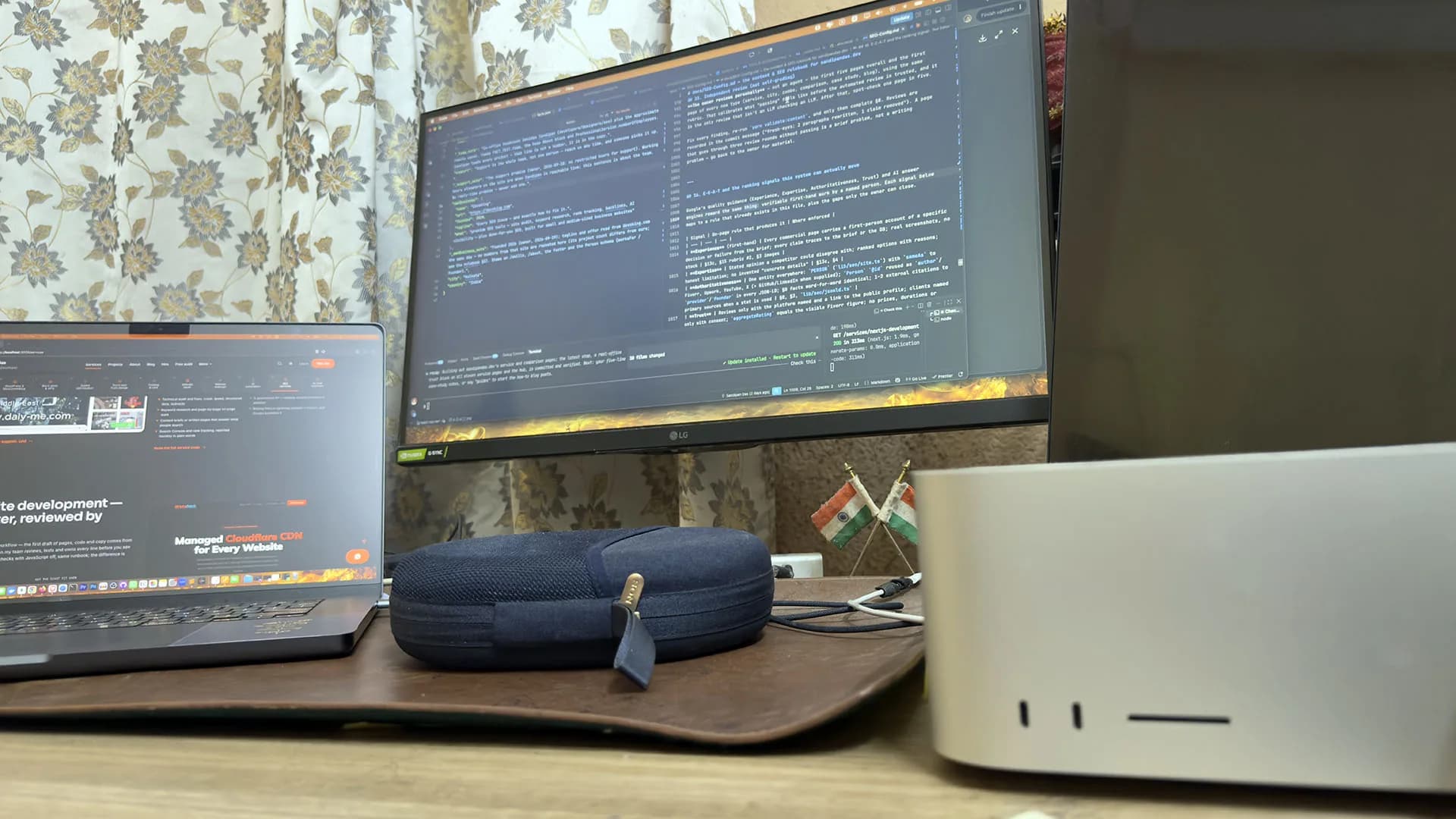
A real office, real people
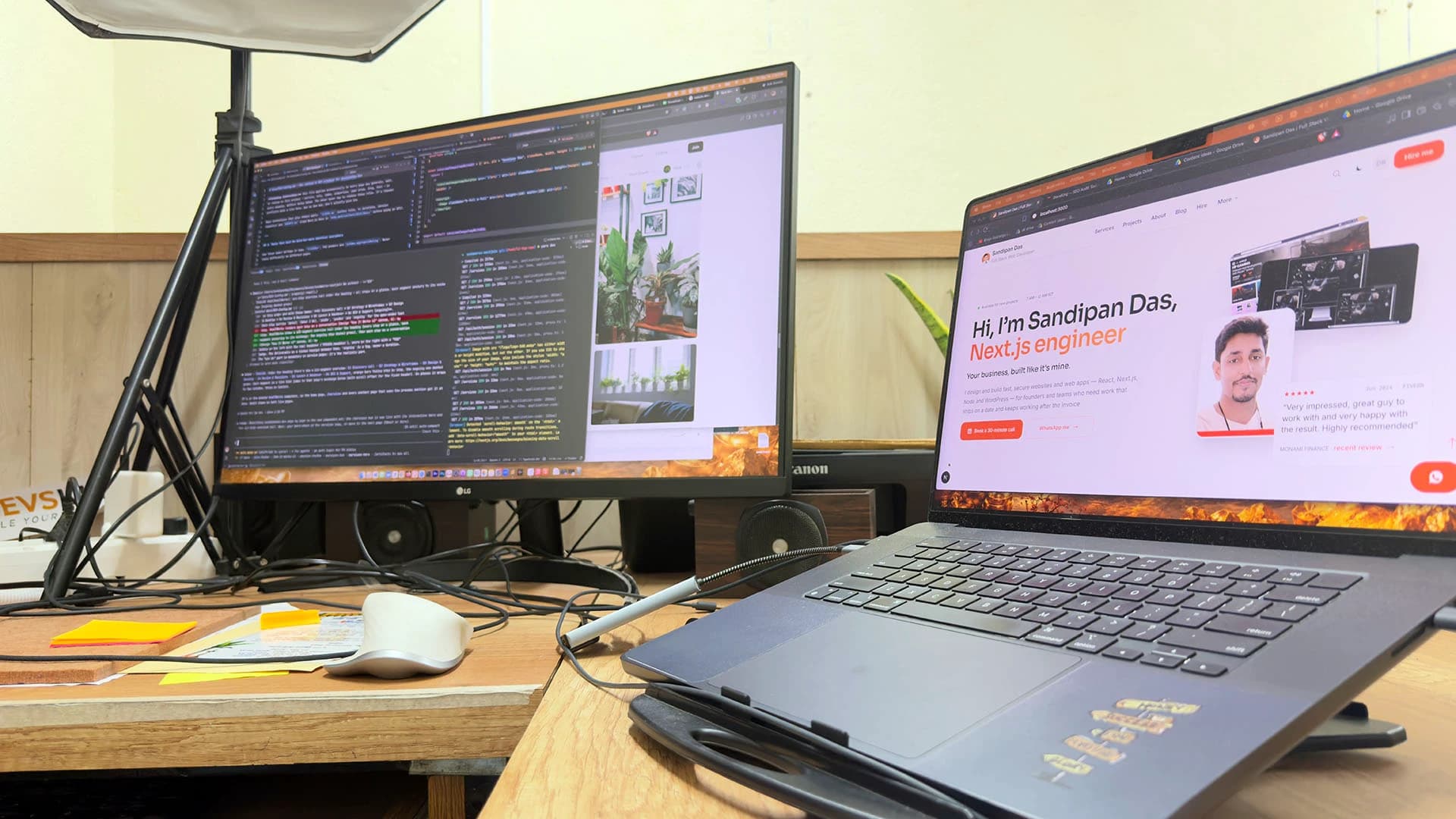
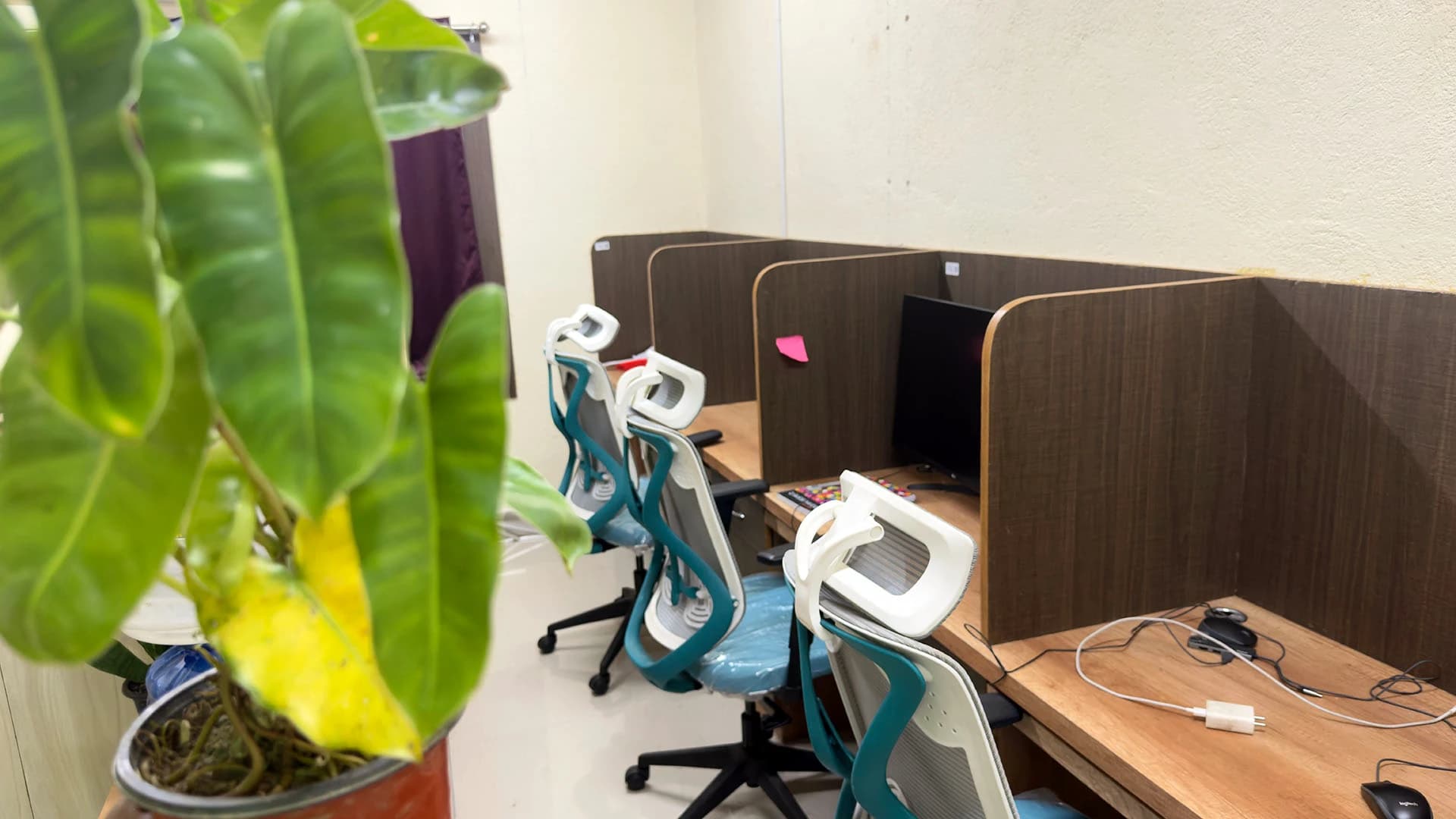
Led by me, built with my team — in Kolkata, India.
The team: three developers, a designer and three SEO specialists in the Kolkata, India office, plus around six people working remotely. Do you also do the design? There's a designer on the team, and three developers who build your Figma as it was drawn.

Sandipan Das
You talk to me; I’m the one accountable for the work.
- Availability
- The team works on your schedule, in your time zone.
- Support
- Support is the whole team, not one person — reach us any time, and someone picks it up.
Pricing
One line per screen
The quote is built screen by screen and component by component, straight from the file. Anything added later gets its own line. You see the whole quote in writing before work starts.
Editing changes the lines too. If you'll update the content yourself, wiring it to a CMS is its own line in phase two. A page you will never edit does not need one.
Whichever stack you choose, the Next.js and WordPress services each describe that build in full.
Next step
Send the file
Share a view link to the Figma file when you book. The stack recommendation and the first quote lines come out of it.
Will the site look exactly like my Figma?
- Yes, at every screen size the file draws. Spacing, type and colour come from the file's own values, and each page is checked against its frame on real phones and laptops.
What about the screens and states the designer didn't draw?
- Missing screens and states are written down before the build starts, from a read through every frame of the design file. The questions about them reach you in one message, and each answer becomes part of the scope. Those screens are then built to match the rest of the design, not improvised on the day they turn up.
React, WordPress or plain HTML — which should my design be built in?
- React on Next.js suits a site that is interactive or will keep growing. WordPress suits a site you'll edit yourself. Plain HTML and CSS suits a single landing page where load speed matters most and the content rarely changes. I recommend one on the discovery call, once I've seen the file.
Do you also design the website, or only build from a finished design?
- Yes, as a separate step. The homepage is designed and approved first, the other pages are drawn to match it, and the build starts from the approved file.
What if my design only shows the desktop layout?
- Breakpoints are agreed first, such as desktop, tablet and phone. The smaller layouts then follow the desktop design's own rules for what stacks, hides or folds into a menu, and you check them on the preview link on your own phone.
Published · Updated