
Comparison
Elementor vs the block editor: which should your WordPress site use?

Elementor is a page-builder plugin. The block editor comes with WordPress itself.
Overview
Blocks or Elementor, in short
For Elementor vs the block editor, I start from who edits the site and how often. If your pages are mostly text and images and the layout rarely changes, I'd build on blocks, because the patterns my team sets up hold the layout and you only change the words and photos. If you want to drag sections around yourself, I'd build on Elementor and keep the rest of the site thin.
The block editor is the editor built into WordPress. Its project name is Gutenberg, so Elementor vs Gutenberg is the same question under another name. Elementor is a page-builder plugin with a free version and a paid Pro version.
Most of my WordPress builds are on Elementor. That wasn't my preference showing. Clients asked to rearrange their own pages without calling me, and Elementor lets them do it.
Comparison
Living with Elementor vs the block editor
What changes after launch, when someone on your side starts editing.
| CRITERION | Block editor | Elementor |
|---|---|---|
| What it is | Built into WordPress | A plugin: a free core and a paid Pro |
| Page weight | ✓Lighter, mostly the theme's own CSS | ~Heavier, because its CSS and JavaScript load on each page it builds |
| Moving sections yourself | ~Blocks stack in columns; complex layouts need patterns or a developer | ✓Sections, columns and widgets go where you drag them |
| Learning it | ✓Simple for text and images | ~More controls, so more to learn |
| Reusing parts | ~Patterns and synced blocks | ✓Templates and global widgets, plus a theme builder in Pro |
| Forms and popups | ~A small separate plugin for each | ✓Part of Pro |
| Updates | ✓Arrive with WordPress core | ~Elementor, and Pro if you use it, update on their own |
| Leaving it later | ✓The content is plain HTML | ✗The layouts are built again in the new editor |
- Lighter pages
- Fewer controls to learn
- Clean exit to another editor
- Updates arrive with core
- Drag sections yourself
- Forms and popups built in
- Reusable templates
- Speed of the finished sitedepends

Why it matters
What I do differently on each build
On a block-editor build, my team sets up the patterns before launch. A firm, a clinic or a consultancy can then change text and photos without touching the structure. Anyone on the team can learn the editor, and if the site ever moves to another theme, the content comes across as plain HTML.
On an Elementor build, the plugin joins the update round, along with Pro if the site uses it, and a backup is taken first. In return, the owner can add a sale banner or move a section higher without calling me.
On either editor, the heaviest plugin and the largest image do more to a WordPress site's speed than the editor itself. So I put a thin base theme, Astra or Hello, under both. Images go in as WebP at the size they're shown, and caching is switched on. The free speed check shows where your own pages stand.
What the research says
How load time changes what mobile visitors do
Google measured real mobile visits, and Deloitte measured what a tenth of a second was worth across 37 brand sites. The green band is the load time Google calls good.
At 3.0 s a mobile visitor is +32% more likely to leave than at 1 s, as Google published it. Measure your page →
The rise after mobile pages got 0.1 seconds faster.
- Retail conversion rate8.4%
- Retail spend per order9.2%
- Travel conversion rate10.1%
These figures are other people’s research, quoted as published. Your own site’s numbers come from the free checks and the audit.
Plugins I leave on a site
A plugin stays on a site only while something on the site needs it, Elementor included. The rest come out before launch.

Case study
Cornhusker Capital and other Elementor builds
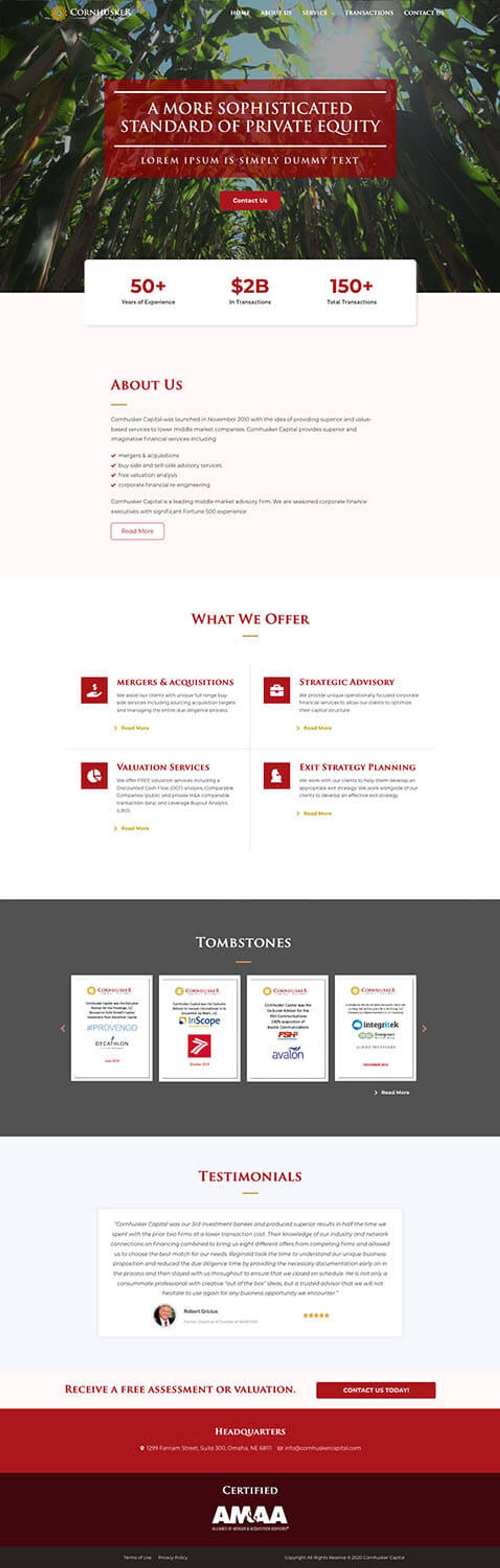
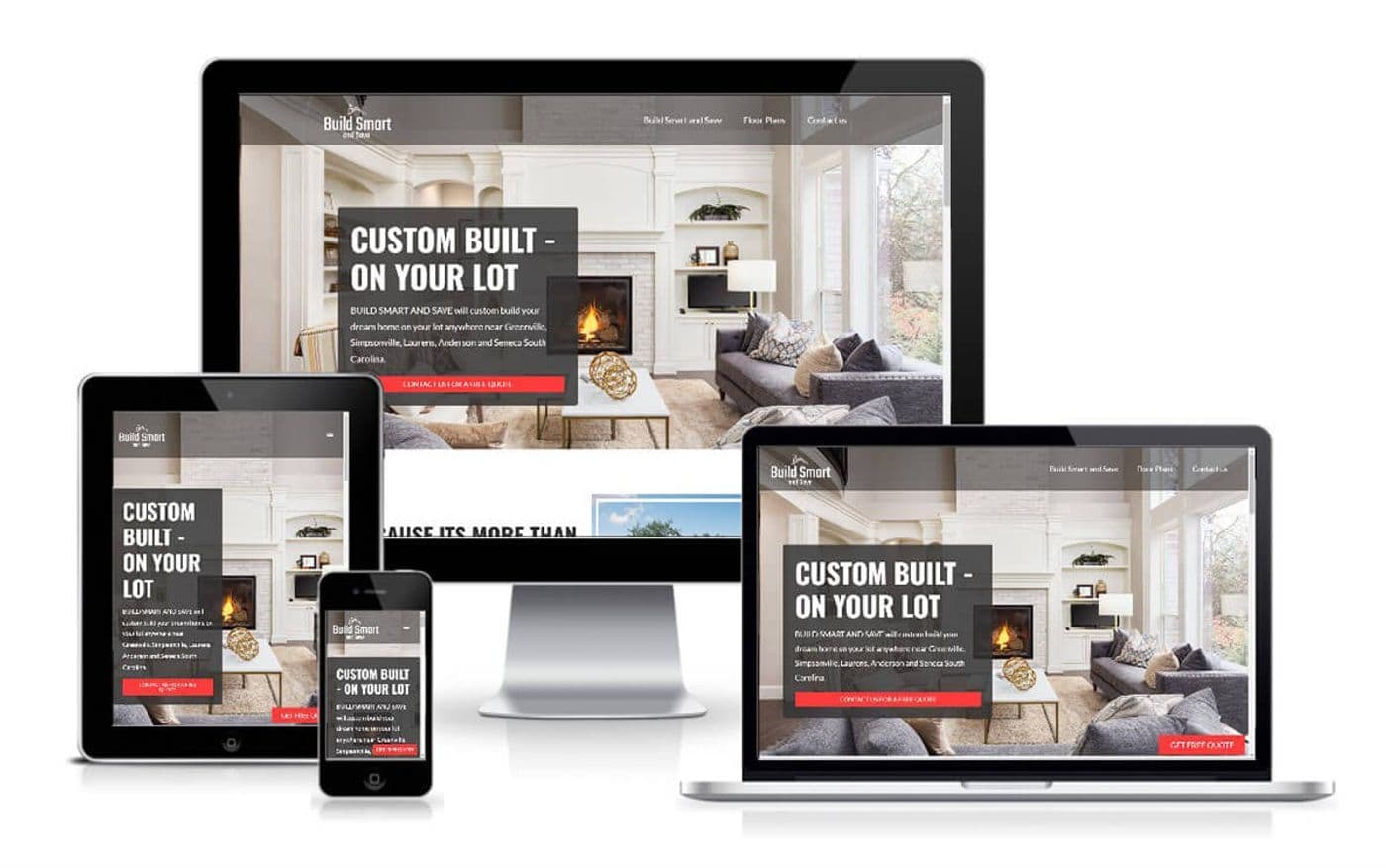
I built Cornhusker Capital's site on WordPress and Elementor in 2024, for a US company. Grey Hounds Property, Almighty Movers 305 and Build Smart And Save run on Elementor too, and they're all on the projects page.
If you'd like to know what your own site runs on, the free WordPress site check names the page builder and lists any plugins that haven't been updated.
Client feedback
What two Elementor clients wrote
- ★★★★★
“He was able to deliver what was needed.”
- ★★★★★Fiverr
“Great to work with! Very professional, communicates well and finds solutions to challenges that arise during the project. I definitely recommend Sandipank!”
Pricing
Where the costs differ
The build costs about the same on either editor. The real work is building the theme to your design, and that stays the same whatever editor sits on top.
Elementor Pro is a paid licence, and the scope lists it separately when the site needs it. The block editor costs nothing extra.
Custom parts are priced the same way on both. A custom Elementor widget with its own controls, or a set of block patterns your team can drop into pages, is priced on its own, apart from the theme.
After launch, Elementor is one more plugin to keep updated. If the site is on my care plan, my team handles that. Without one, the update is yours to run. What else moves the figure is set out on the pricing page.
Next step
Ask which editor I'd pick for your site
Bring the edits you make most often, and the ones you'd like to make but can't. Those two lists decide the editor, and the written scope after the call names it, along with the base theme.
Is Elementor slow?
- An Elementor page loads more CSS and JavaScript than the same page built in blocks, so it starts heavier. On a thin theme with correctly sized images, an Elementor site can still pass Core Web Vitals. Measure your own pages with the free speed check.
What happens to my pages if I switch from Elementor to Gutenberg?
- Every page has to be laid out again in blocks when a site leaves Elementor, because Elementor keeps each layout in its own markup. The text and images carry over. Choosing the editor before the build starts saves you that second round of layout work.
Do I need Elementor Pro?
- The free version of Elementor is enough when it only lays out pages. Pro is needed for its theme builder, which handles headers, footers and post templates, and for its forms and popups. My scope says which one your site needs, before any work starts.
Elementor or Gutenberg for a small business: which is better for SEO?
- Neither editor ranks better on its own. Search engines read pages from both the same way, so titles, headings and structured data are yours to get right on either. Speed counts towards search as well, and Google measures it on the finished page, whichever editor built it.
Divi vs Elementor: should I move my Divi site across?
- Keep a working Divi site on Divi, because moving it to Elementor means rebuilding every layout for very little gain. I work in Divi when it is already a site's builder. For a new build, the choice I'd put in front of you is the block editor or Elementor.
Published · Updated