
Comparison
WordPress vs Wix and Squarespace: when a builder is enough


Wix and Squarespace host your site inside their own editor. WordPress runs on hosting you choose.
Overview
The deciding question
For WordPress vs Wix or Squarespace, a builder suits a small site that you'd like looked after for you, with the hosting and the updates included in a monthly fee. WordPress suits a site that will grow past a few pages, or one you want a developer to work on.
If WordPress is your direction, the WordPress service page covers how I build, from the theme to the handover, and Next.js is there for sites that need an application behind the pages.
Comparison
WordPress vs Wix and Squarespace in a table
Wix and Squarespace differ in detail. Both bundle the hosting with the builder. Both start your site from a template, and both limit access to the code. So the WordPress vs Squarespace answer follows the same lines as the Wix one.
| CRITERION | Wix or Squarespace | WordPress |
|---|---|---|
| Hosting | ✓Included with the builder | ~Your choice of host, set up and paid for separately |
| Starting point | ✓A template you fill in | ~A theme built to your design, or a ready-made theme |
| Editing pages | ✓The builder's drag-and-drop editor | ✓Elementor or the block editor |
| Updates and patches | ✓Handled by the platform | ~Core, theme and plugin updates, run by you or on a care plan |
| Access to the code | ~What the platform allows | ✓Full, so a developer can change anything |
| Moving to another host | ~Runs on the builder's own hosting, so a move means rebuilding the pages | ✓The files and the database move with you |
| Adding a shop | ~The builder's own shop features | ✓WooCommerce, on the same site |
| Who edits it | ✓You, and anyone you add to the account, in the builder's editor | ✓You in the WordPress admin, or any WordPress developer |
- Looked after for you
- Fewest decisions at the start
- You hold the files
- Adding a shop
- Custom work
- Moving hosts
- Search settings
Why it matters
What each one asks of you
A builder looks after the site for you. The platform hosts it, patches it and bills you every month. For a few pages with your photos, your opening hours and a contact form, that covers what the site needs, and the builder's own support team is there when something goes wrong with the platform.
WordPress gives a developer code to work on. That counts once the site has to grow. You might want a shop with your own shipping rules. You might need a booking flow, or a members' area. It's also why I take on speed work for WordPress sites and not for builder sites, because a speed pass means changing the code.
On WordPress, someone has to own the update round. Each week the core, the theme and the plugins get updated, with a backup taken before any of it. A care plan covers it, or you can do it yourself. Keep that backup somewhere other than the host, so one fault can't take out the site and its copy together. Before any plugin goes on, I check whether the site really needs it, because every plugin adds to that weekly list. The free WordPress site check shows where an existing site stands.
What the research says
Four published figures on speed, trust and checkouts
Speed, trust and checkout figures, each from a separate published study.
These figures are other people’s research, quoted as published. Your own site’s numbers come from the free checks and the audit.
Before you add to a builder site
Check what a shop or more pages will do to your plan before you add them. The builders publish their plans and prices on their own sites, and they change, so I don't quote them.

Case study
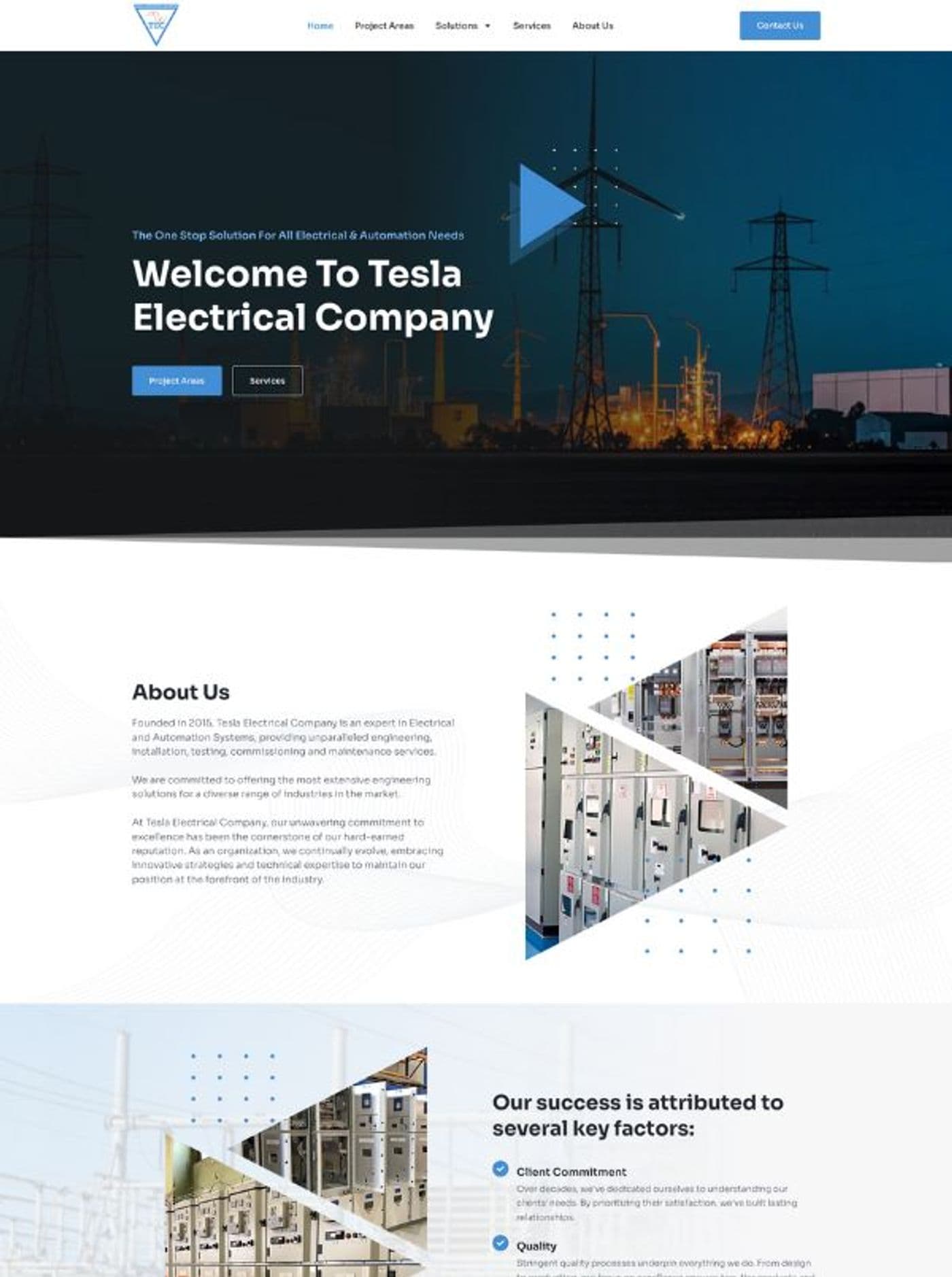
Two WordPress builds from 2024
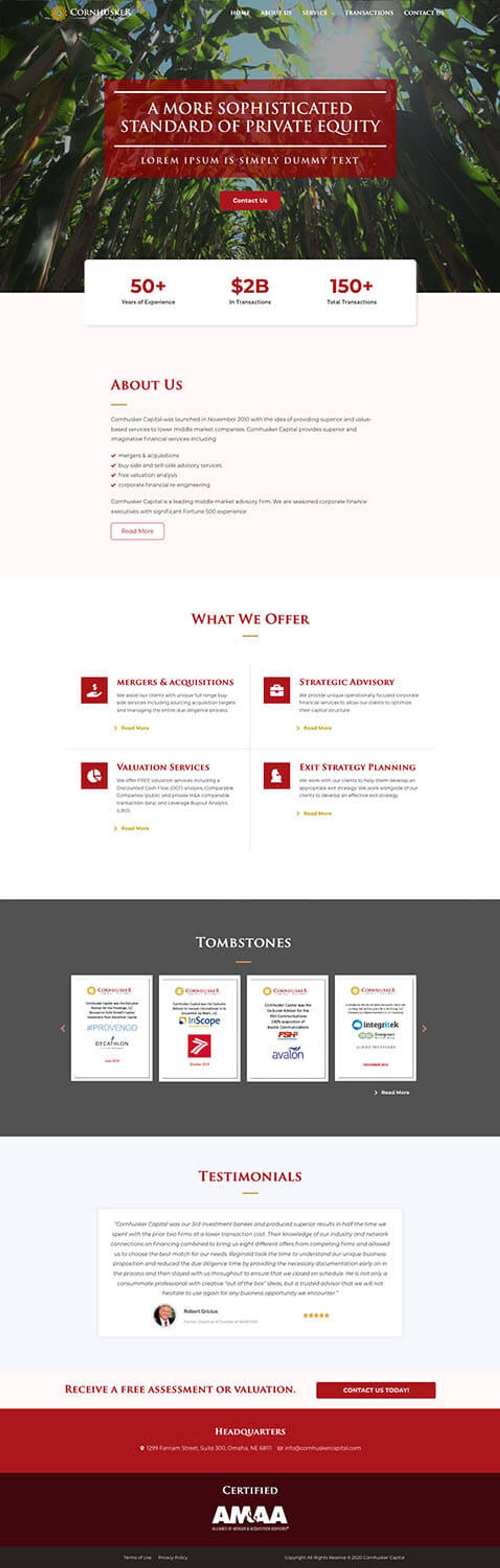
Cornhusker Capital is a US company whose site I built in 2024, with Elementor on WordPress. What they wrote about the work is on the project page.
Dr Adrienne Little had her WordPress site built the same year. At the end I explained how to maintain the site herself, and her review says that mattered to her.
Every WordPress build ends with the admin login, the files and a runbook in your hands. The runbook is a short document that explains how the site is put together, for you or for whoever works on it next.
Pricing
A monthly fee, or a build plus upkeep
A builder charges a monthly fee, and the fee covers the hosting and the updates. You keep paying it for as long as the site stays on the builder.
WordPress is a build cost at the start. After that come hosting and upkeep, and the upkeep is either your time or a care plan. The hosting bill comes from whichever host you pick, and you pay that host directly.
Before you put the two side by side, the pricing page shows what goes into a WordPress quote.
Next step
Talk it over before you sign up anywhere
Book a call before you commit to a builder plan or a WordPress build. Bring a rough count of the pages you need, and tell me whether a shop or bookings are coming. Those two decide most of it. I'll go through both with you on the call.
How do I move from Wix to WordPress?
- A Wix site moves to WordPress as a rebuild, with the pages made again on WordPress and your text and photos carried across. Each old address is redirected to the WordPress page that now holds its content, so the new pages carry on from what the old ones earned in search. I go through every redirect again once the new site is live. Squarespace sites move the same way.
Do I own my Wix website?
- A Wix site runs only on Wix's hosting and in its editor, so taking it elsewhere means rebuilding the pages on the new platform. Squarespace works the same way. A WordPress site is a set of files and a database, and both can be copied to any host you choose.
Which is cheaper in the long run?
- Neither a builder nor WordPress is cheaper for every site, because the sum depends on how long you keep the site and how much it grows. Put the builder's plan for the size of site you need beside a WordPress quote and the cost of looking after it. Then compare them over the years you expect to keep it. I'm glad to work through that sum with you on a call.
Is WordPress or Squarespace better for SEO?
- Either platform can carry a page that ranks well on Google. On WordPress a developer can change anything that affects search, down to the structured data. A builder gives you the search settings built into its editor. If search is how customers find you, the extra control on WordPress is worth having.
Published · Updated