Next.js Tutorials · Tutorial · React Development Tips
How I Made My Next.js App Resilient After Vercel's API Fetching Time Limits


A few months ago I was working on a Next.js project for a client, well before Vercel's API fetching time limits became my problem. Everything was going smoothly — pages were loading fast, data arrived when it was supposed to, and my API calls were rock solid. Or so I thought.
One morning, I woke up to a frantic message:
"Hey! The app isn’t loading data properly. It’s just… blank. Clients are complaining. Please check it ASAP!"
That’s when the nightmare started.
The Root of the Problem: API Fetching Time Limits
After digging into the logs, I noticed several API calls failed due to intermittent server issues. Usually, these calls would self-correct after a page refresh or two, but this time, they weren't.
What made things worse? Vercel had recently introduced stricter time limits on API requests. You were out of luck if your API call didn't return within a specific window. Boom. Failure. No retries, no second chances.
And, of course, this happened on the day the API I was using was acting up.
The "Aha!" Moment
I knew I couldn't keep relying on a "hope-it-works" strategy. I needed a way to make my API calls more resilient. What if, instead of immediately failing when an API call hit a bump, my app could pause, retry, and try again?
That's when the idea for fetchWithRetry was born—a simple function that would give my app the power to recover from transient API failures without breaking a sweat.
Building fetchWithRetry: A Resilient API Fetcher
I sat down, brewed a strong cup of coffee, and got to work. My mission? To create a function that could:
- Retry failed API calls a specific number of times.
- Wait a few seconds between retries to give the server a chance to recover.
- Throw an error only after all retries have been exhausted.
After a few hours of tinkering, I had this:
const fetchWithRetry = async (
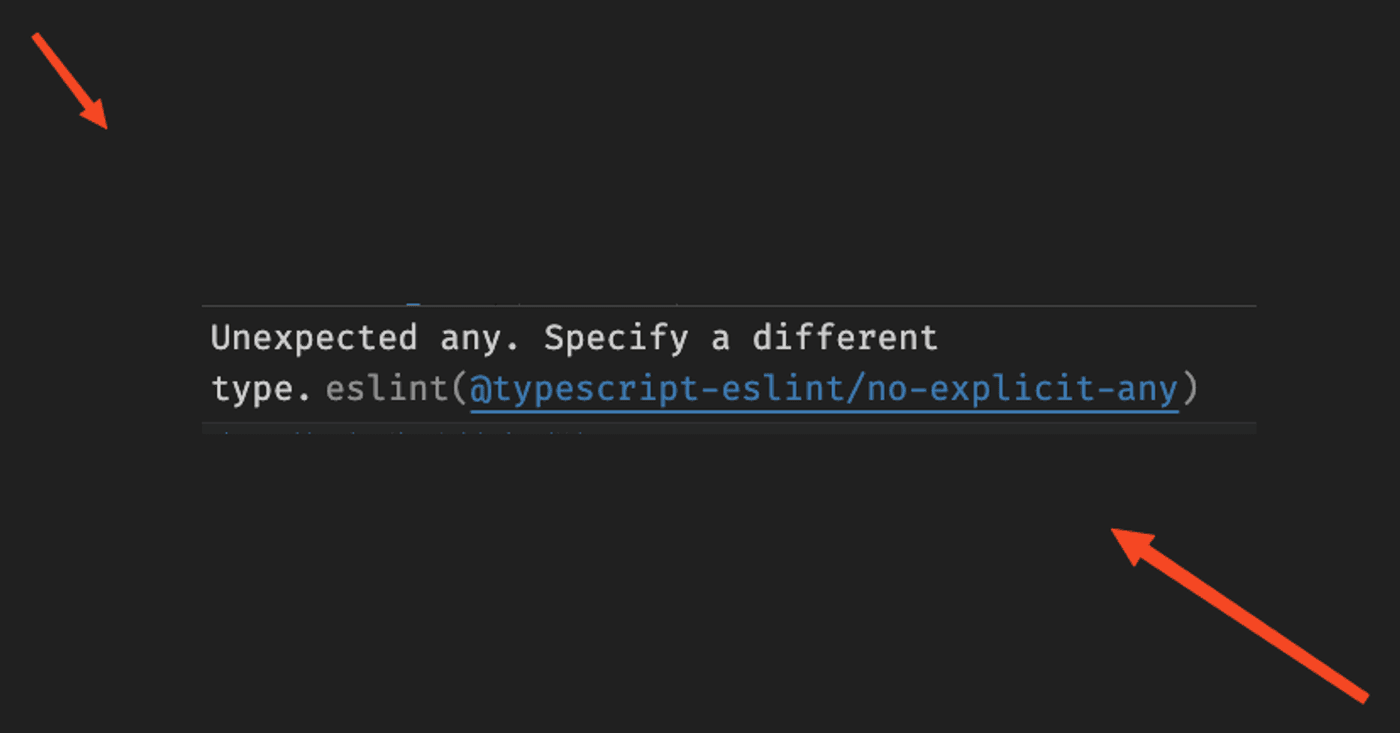
    fetchFunction: () => Promise<any>,
    maxRetries: number = 3,
    delay: number = 4000
): Promise<any> => {
    let retries = maxRetries;
    while (retries > 0) {
        try {
            return await fetchFunction(); // Try the API call
        } catch (error) {
            retries -= 1; // Reduce the retry count
            if (retries === 0) {
                // All retries failed
                throw new Error("Failed to fetch data after multiple retries.");
            }
            console.warn(
                `Fetch failed. Retrying... (${maxRetries - retries}/${maxRetries})`
            );
            // Wait before retrying
            await new Promise((resolve) => setTimeout(resolve, delay));
        }
    }
};
export { fetchWithRetry };
How It Saved My App
I plugged this function into my Next.js project. The first test was in getServerSideProps, where the app fetched data for server-side rendering.
The New getServerSideProps
import { fetchWithRetry } from "./utils/fetchWithRetry";


export const getServerSideProps = async () => {
    try {
        const data = await fetchWithRetry(async () => {
            const res = await fetch("https://api.example.com/data");
            if (!res.ok) throw new Error("Failed to fetch");
            return res.json();
        });
        return { props: { data } };
    } catch (error) {
        console.error("Error fetching data:", error.message);
        return { props: { data: null } };
    }
};
The difference was night and day. If an API call fails once, the app will try again. And again. And—if necessary—a third time. The data loaded without a hitch if the server recovered within those attempts. There are no blank screens. No angry clients.
A Real-Life Scenario
Let me walk you through how this works in practice.
Imagine your app calls an API to fetch weather data for a user's location. The API server might return an error or timeout on a bad day due to high traffic. Without retry logic, your app would fail immediately, leaving users stuck.
With fetchWithRetry, here's what happens:
- First Attempt: The app makes the API call. The server is unresponsive—result: Retry #1.
- Second Attempt: The server is still struggling, but it's starting to recover—result: Retry #2.
- Third Attempt: The server responds successfully, and the app loads the data. Result: Problem solved without the user noticing a thing.
Lessons Learned
Here's what I realised after implementing fetchWithRetry:
- Retry Logic is Essential; downtime or missing data can impact your users in production apps.
- Delays Make a Difference: Giving the server a moment to recover often resolves transient failures.
- Exponential Backoff is Next-Level: For even better results, you can increase the delay with each retry (e.g., 2 seconds, then 4 seconds, then 8 seconds).
What I would change before you copy it
Two things, and the first one matters more than the retry count:
- Do not retry every error. As written it retries anything that throws — including a missing page or a rejected key, which will fail identically three times and just make the user wait. Retry the transient cases: a timeout, a refused connection, a server-side failure. Return the rest immediately.
- Fixed delays are a blunt instrument. A constant wait is fine for one flaky call and bad for many at once, because they all retry together. Increasing the delay each round spreads them out.
Retries hide the symptom. If a call needs three attempts every time, the retry is not the fix — it is the alarm telling you where to look.
The Payoff
Thanks to this simple function, my Next.js app became much more resilient. The blank screens disappeared, my client was happy, and I could finally sleep at night knowing my app could handle hiccups gracefully.
If you're building a Next.js app and you're worried about API failures—especially with Vercel's time limits—give fetchWithRetry a try. It might just save you a frantic call from your client one day.
Final Thoughts
Have you ever faced challenges with API failures in your apps? Share your story with me by scheduling a meeting, and let's talk about how we can build stronger, more reliable applications together. 🚀
Questions
Questions this post answers
What do Vercel's API fetching time limits actually do to a request?
- If your API call does not return within a specific window it fails, with no retries and no second chances. Calls that used to self-correct after a page refresh or two stop doing so.
Should fetchWithRetry retry every failed call?
- No, and this matters more than the retry count. As written it retries anything that throws — including a missing page or a rejected key, which will fail identically three times and just make the user wait. Retry the transient cases: a timeout, a refused connection, a server-side failure. Return the rest immediately.
Is a fixed delay between retries good enough?
- A constant wait is fine for one flaky call and bad for many at once, because they all retry together. Increasing the delay each round spreads them out.
If retries fix the blank screens, is the problem solved?
- Not really. If a call needs three attempts every time, the retry is not the fix — it is the alarm telling you where to look.