
SEO for Developers · Business Tips
How to create an XML sitemap
A sitemap is the list of URLs you want Google to index, with an honest date for each — generated by the platform, not typed by hand. What belongs in it, the limits, the two tags Google ignores, how to split it, and how to submit it once and read the report.

How to create an XML sitemap, in one paragraph
To create an XML sitemap, let the platform generate a list of every URL you want Google to index — canonical addresses only, each returning 200, with an honest last-modified date — keep each file under 50,000 URLs or 50 MB with an index above that, and submit it once in Search Console. Google ignores priority and changefreq.
That's the whole of it, and most of it comes straight from Google's own sitemap documentation. The rest of this post is the part the documentation doesn't say: what belongs in the file and what doesn't, why a sitemap is a promise, and how to read the report that tells you whether Google believed it.
A sitemap doesn't make Google index anything. It tells Google where to look and, through the date, whether it's worth looking again. A sitemap full of pages Google has already declined is a promise the site keeps breaking — which is why the first step isn't generating the file, it's deciding what goes in it.
A sitemap is part of every build my team ships, across hundreds of websites completed, and this is the method we use.
Step one: decide what belongs
Only the pages you want in Google, only at their canonical address, only if they return 200. Everything else in the sitemap is noise that costs you.
In: services, products, real posts, the pages about the business. Out: tag and category archives (unless they're genuinely useful pages), filtered and sorted lists, author pages, search results, thank-you pages, staging leftovers, anything with a noindex tag, anything that redirects, anything that 404s. Google's guidance is to include only the canonical URLs you prefer in search results — a sitemap listing both yourdomain.com/page and yourdomain.com/page/ is asking for a duplicate.
The test is the Sitemaps report in Search Console: it shows how many URLs each sitemap discovered against how many the site has indexed. A blog sitemap with 1,400 URLs on a site with 300 indexed pages is a sitemap that's mostly declined. Trim it. How to fix indexing problems covers what happens to the rest.
Step two: let the platform generate it
Nobody should type a sitemap. WordPress generates one; the sites I build in Next.js generate one from the same data the pages come from; most platforms do. A hand-made file is out of date the day after it's made.
My team generates it from the site's data for every client. On WordPress the core sitemap lives at /wp-sitemap.xml, and any SEO plugin replaces it with its own — usually at /sitemap.xml or /sitemap_index.xml. One or the other, never both: two sitemaps that disagree give Google two promises. Pick the plugin's if you use one, and use its settings to exclude the post types and taxonomies that don't belong (tags, media attachments, author archives).
On a hand-built site the sitemap is a route that reads the same list of published pages the site renders — so a page that exists in the sitemap exists on the site, with the same date. That's the property I insist on whoever builds it: one source, not a file someone remembers to update. The checklist for whichever platform:
- One sitemap, not two. Core's or the plugin's; the other one removed, from Search Console as well.
- Post types and taxonomies chosen. Pages, posts, products in; tags, media attachments, author archives out.
- Generated from the published list. A page exists in the sitemap because it exists on the site — never the other way round.
- The URL in robots.txt. A Sitemap: line with the full address, so every crawler finds it.
Step three: the limits, and the two tags Google ignores
"All formats limit a single sitemap to 50MB (uncompressed) or 50,000 URLs" — above that, a sitemap index that lists several sitemaps. And two of the four tags most generators write are ignored.
- <loc> — the URL. Google's rule: "Use fully-qualified, absolute URLs in your sitemaps" — https and the host included — and the file must be UTF-8.
- <lastmod> — the last-modified date. Google uses it "if it's consistently and verifiably… accurate": a real edit date helps Google decide what to recrawl; a date set to today on every page teaches Google to ignore the field.
- <changefreq> and <priority> — "Google ignores" these values. Leave them out; they're clutter that makes the file look more considered than it is.
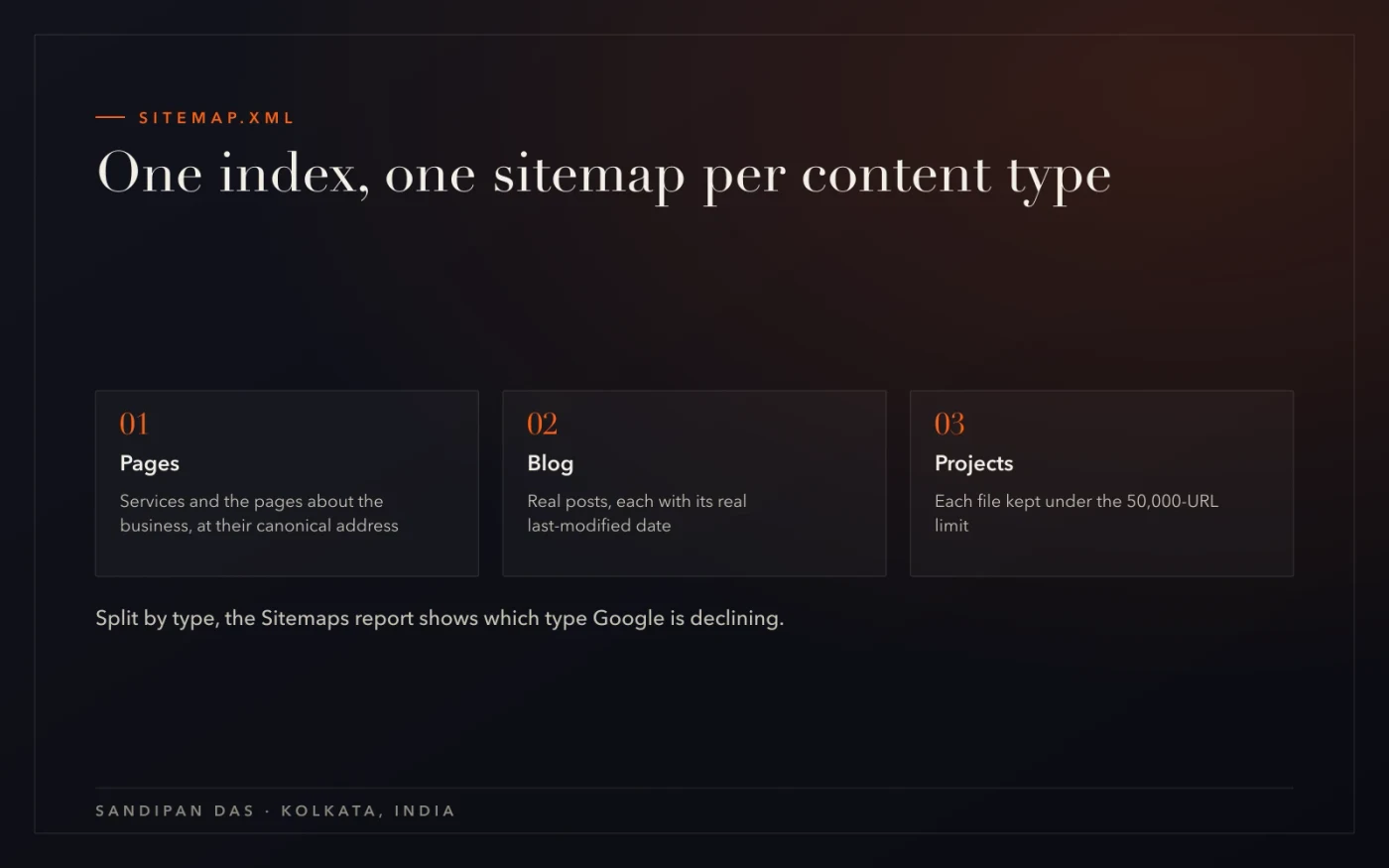
- The index. One file per content type — pages, blog, projects — under an index at /sitemap.xml. Not only for size: the Sitemaps report then shows which type Google is declining, which is the audit's first clue.
Step four: submit once, then read the report
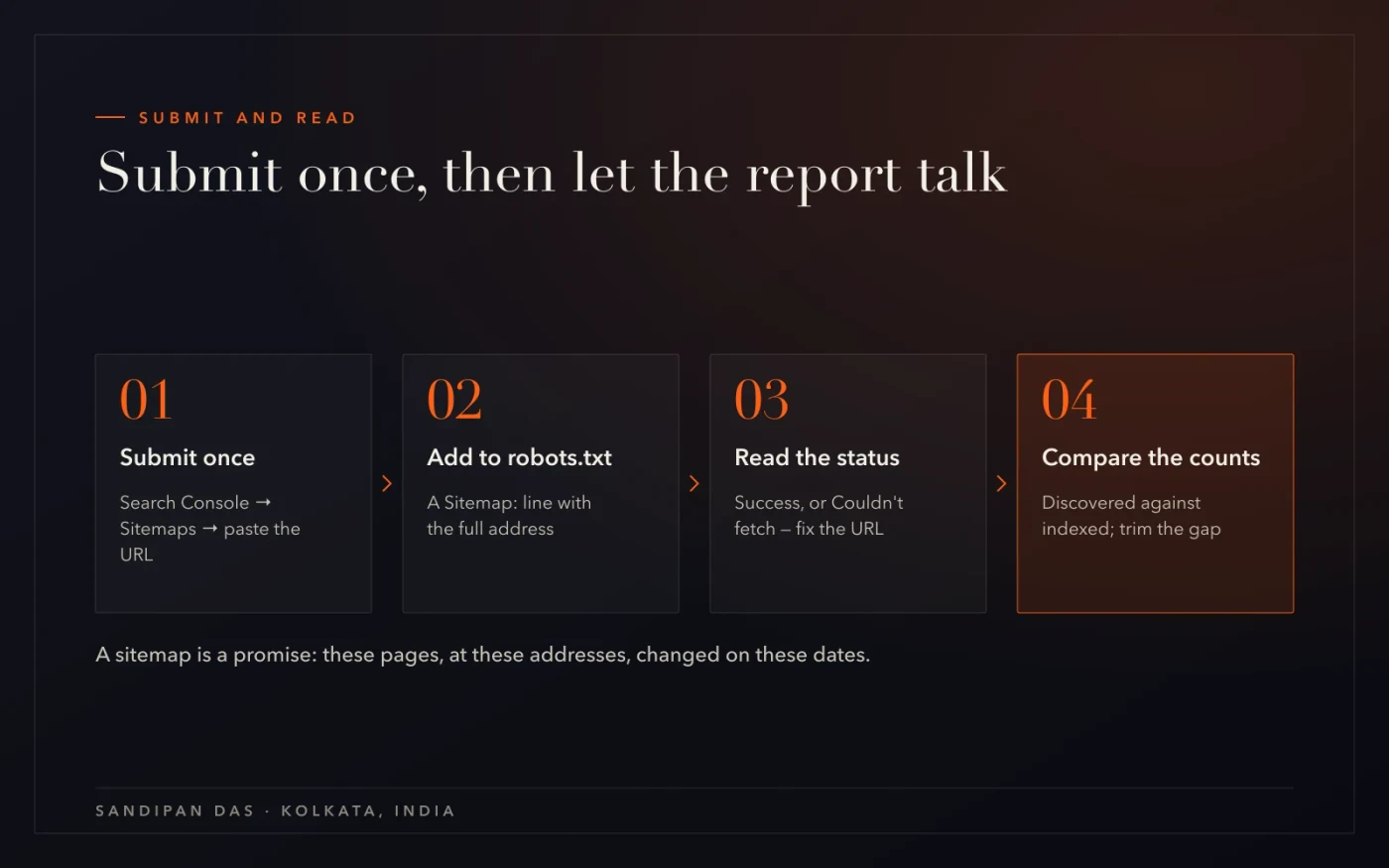
Search Console → Sitemaps → paste the sitemap URL → Submit. Once. Then the report does the talking every month.
Three other ways Google finds it, from the documentation: a Sitemap: line in robots.txt with the full URL (do this too — it works for every crawler, not just Google), the Search Console API, and for feeds, WebSub. The robots.txt line is the one to never skip; How to check robots.txt has the file.
The report shows, per sitemap: status (Success, or "Couldn't fetch" when the URL is wrong or blocked), the date Google last read it, and the discovered-pages count. Read the count against Page indexing's indexed total. If they're far apart, the sitemap is promising pages Google won't take — back to step one. The free robots & sitemap checker reads the file from outside and flags a missing or empty sitemap and URLs in it that redirect or are blocked.
What's easy to get wrong
Four mistakes, in the order I find them.
- Listing pages that redirect or carry a noindex. The sitemap says index it; the page says don't. Google trusts the page and the sitemap a little less.
- A static file nobody updates. Made once, in a launch checklist, then forgotten. New pages never enter; deleted pages never leave.
- Two sitemaps that disagree. WordPress core's and a plugin's, or an old file at /sitemap.xml and the real one at /sitemap_index.xml. Keep one; delete the other from Search Console too.
- lastmod set to now, everywhere. A generator that stamps today's date on every URL on every build. Google notices the date is meaningless and stops reading it.
A sitemap is a promise: these pages, at these addresses, changed on these dates. Keep it true and it earns trust; pad it and it earns nothing.
Read next
The file that points at the sitemap, the report that grades it, and the services.
- How to check robots.txt
- How to fix indexing problems — every reason, every fix
- Google Search Console SEO audit — the guide
- Free robots & sitemap checker
- Technical SEO services
- Website audit
If you'd rather have it generated properly
Run the free robots & sitemap checker on your domain: it tells you whether the sitemap exists, whether it's empty, and whether the URLs in it redirect or are blocked. If the answer is "there are two of them and one is from 2021", that's exactly the job for technical SEO services — one source, one index, honest dates.
Questions
Questions this post answers
How to fix XML sitemap errors?
- Read the Sitemaps report status: "Couldn't fetch" means the URL is wrong, blocked in robots.txt or returning an error — fix the URL and resubmit once. Then compare discovered pages with the site's indexed total; a big gap means the sitemap lists pages Google declines — redirected, noindexed or thin URLs — so trim it to canonical pages that return 200.
Do I need a sitemap for a small website?
- A site with a dozen well-linked pages will be found without one, but a sitemap costs nothing when the platform generates it and it gives you the Sitemaps report — the discovered-against-indexed count that shows whether Google agrees with your list. Have one, keep it honest, and add the Sitemap line to robots.txt.
How often should a sitemap update?
- Every time a page is published, edited or removed — which is why it should be generated from the site's data, not maintained by hand. The lastmod date on each URL should be the real last edit; Google only trusts the field when it's consistently accurate, so a generator that stamps today's date everywhere is worse than none.
Should images and videos be in the sitemap?
- Images and videos can go in the sitemap through the image and video sitemap extensions, and for a portfolio or a product catalogue it's worth it: each page entry lists the image URLs on that page, which helps Google find images it might otherwise miss. For an ordinary business site the page sitemap is enough; add images once the pages themselves are indexed and ranking.