Next.js Tutorials · Tutorial · React Development Tips
NextAuth password reset, with credentials and email sign-in

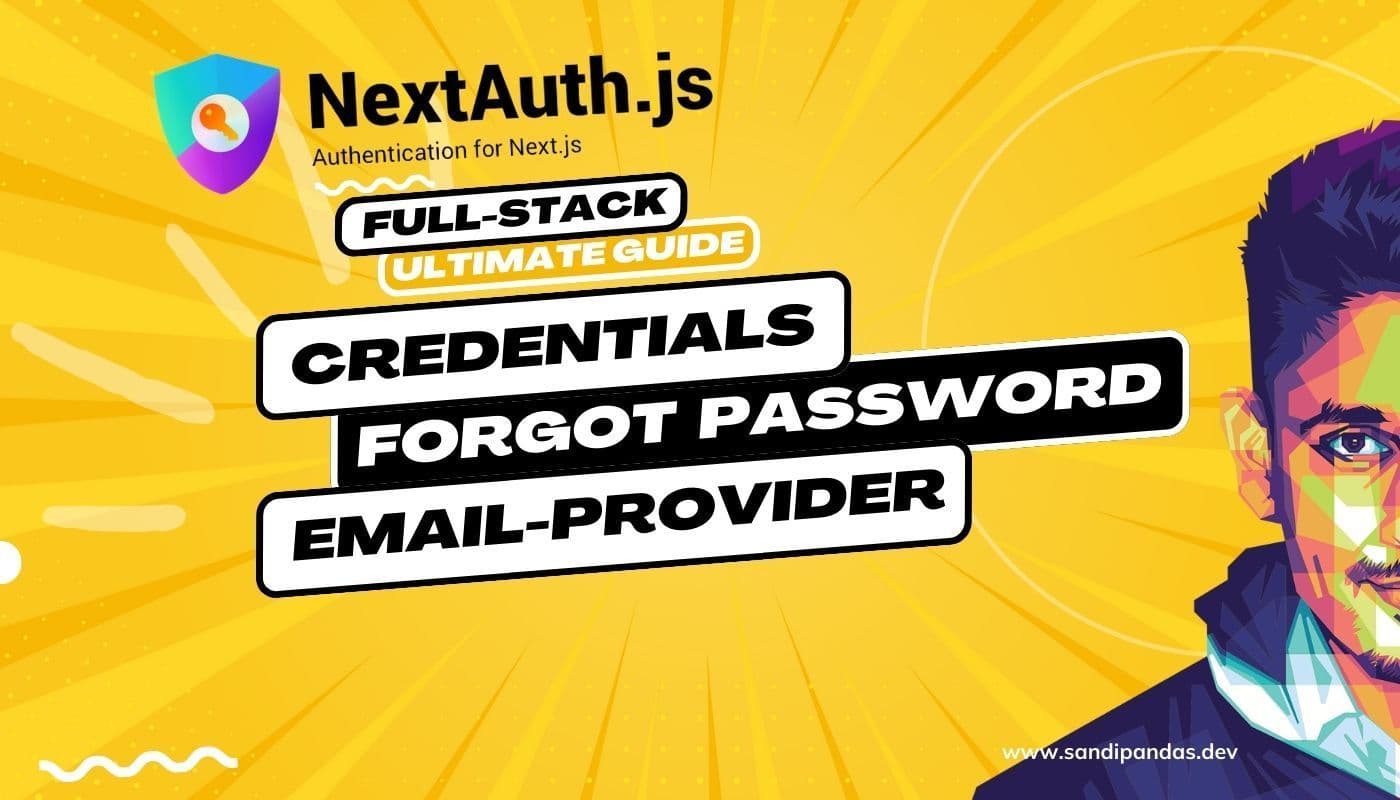
This one is a video: NextAuth password reset in a Next.js project, along with the two ways people sign in first — with a password they chose, or with a link sent to their email. Then resetting that password when they forget it. They will forget it.
This tutorial goes past the sign-in screen. The password reset is the part that needs the most care in production, so I have kept it in.
What the video covers: NextAuth password reset and sign-in
- Setting up NextAuth in a Next.js project
- Enabling user authentication with credentials
- Integrating email providers for a versatile sign-in experience
- Implementing a password reset mechanism
I have built this flow on client projects more than once, and the order above is deliberate. Credentials first, because it is the one you can test without a mail server running. The email provider second. The reset last, because it depends on both.
What you need before you start
- Next.js
- NextAuth
- Email provider integration
- Password reset implementation
You need a working mail sender for the last two. In development I point it at a test inbox rather than a real provider — otherwise you spend the afternoon getting your own domain flagged for spam while you are still debugging.
One honest warning
Credentials sign-in means you are now storing passwords. That is a responsibility, not a feature. If your project can live with email links alone, do that instead — there is nothing to leak. I only add credentials when a client genuinely needs it, usually because their staff log in many times a day and a link each time is a nuisance.
Watch it through, then build it yourself with the video paused. Typing it out yourself is what makes it stick.
Questions
Questions this post answers
What order should I build NextAuth sign-in and password reset in?
- Credentials first, because it is the one you can test without a mail server running. The email provider second. The reset last, because it depends on both. I have built this flow on client projects more than once and the order is deliberate.
Do I need a working mail sender to follow this?
- For the email provider and the password reset, yes. In development I point it at a test inbox rather than a real provider — otherwise you spend the afternoon getting your own domain flagged for spam while you are still debugging.
Should I add credentials sign-in at all?
- Credentials sign-in means you are now storing passwords, which is a responsibility rather than a feature. If your project can live with email links alone, do that instead — there is nothing to leak. I only add credentials when a client genuinely needs it, usually because their staff log in many times a day.