Blog

Notes from the build

What I learn shipping Next.js and WordPress sites for clients — written so the next developer (or you) can copy the fix.

Latest · SEO for Developers

How to find broken links (and fix the 404s)

How to find broken links and fix 404s, in one paragraph To find broken links, read three lists: Search Console's Page indexing report under "Not found (404)" — the dead URLs Google hit — a crawl of your own site…

· 6 min read · by Sandipan DasRead the post
  • SEO for Developers

    Blocked due to access forbidden (403)? Let Google back in

    Your website opens fine on your phone, your laptop and your client's office PC, yet Search Console says Google was told "Forbidden". That doesn't have to mean the page is broken. Something in front of it, like a firewall, a…

    · 12 min read · by Sandipan Das
  • SEO for Developers

    Excluded by noindex tag? Find where the noindex hides

    Your page's code says "index". Search Console, Google's free report on your site, says "Excluded by 'noindex' tag". Both can be true at once, because a noindex (a "don't list this page" rule) can sit where View Source never shows…

    · 10 min read · by Sandipan Das
  • SEO for Developers

    How to create an XML sitemap

    How to create an XML sitemap, in one paragraph To create an XML sitemap, let the platform generate a list of every URL you want Google to index — canonical addresses only, each returning 200, with an honest last-modified date…

    · 6 min read · by Sandipan Das
  • SEO for Developers

    How to check robots.txt

    How to check robots.txt, in one paragraph To check robots.txt, open yourdomain.com/robots.txt in a browser — it's a public text file — and read it against three questions: is anything you want indexed under a Disallow line, is anything Google…

    · 6 min read · by Sandipan Das
  • Next.js Tutorials

    Sitemap "Couldn't fetch"? Fix it in Next.js and WordPress

    You submit your sitemap, open it in your browser, it looks perfect, and Search Console (Google's free dashboard for site owners) still says "Couldn't fetch". Below are the checks I ran today on my own site and on a small…

    · 10 min read · by Sandipan Das
  • Next.js Tutorials

    Soft 404 in Next.js: why Google flags pages that load fine

    Your page opens fine in the browser, yet Search Console lists it under "Soft 404". I built a small Next.js 16 test app today with three common ways to cause this and one way to avoid it, then checked what…

    · 10 min read · by Sandipan Das
  • SEO for Developers

    How to fix indexing problems

    How to fix indexing problems, in one paragraph To fix indexing problems, open Search Console → Page indexing, read the reason row each page sits in, and match it to one of five kinds: Google can't reach the page, was…

    · 7 min read · by Sandipan Das
  • SEO for Developers

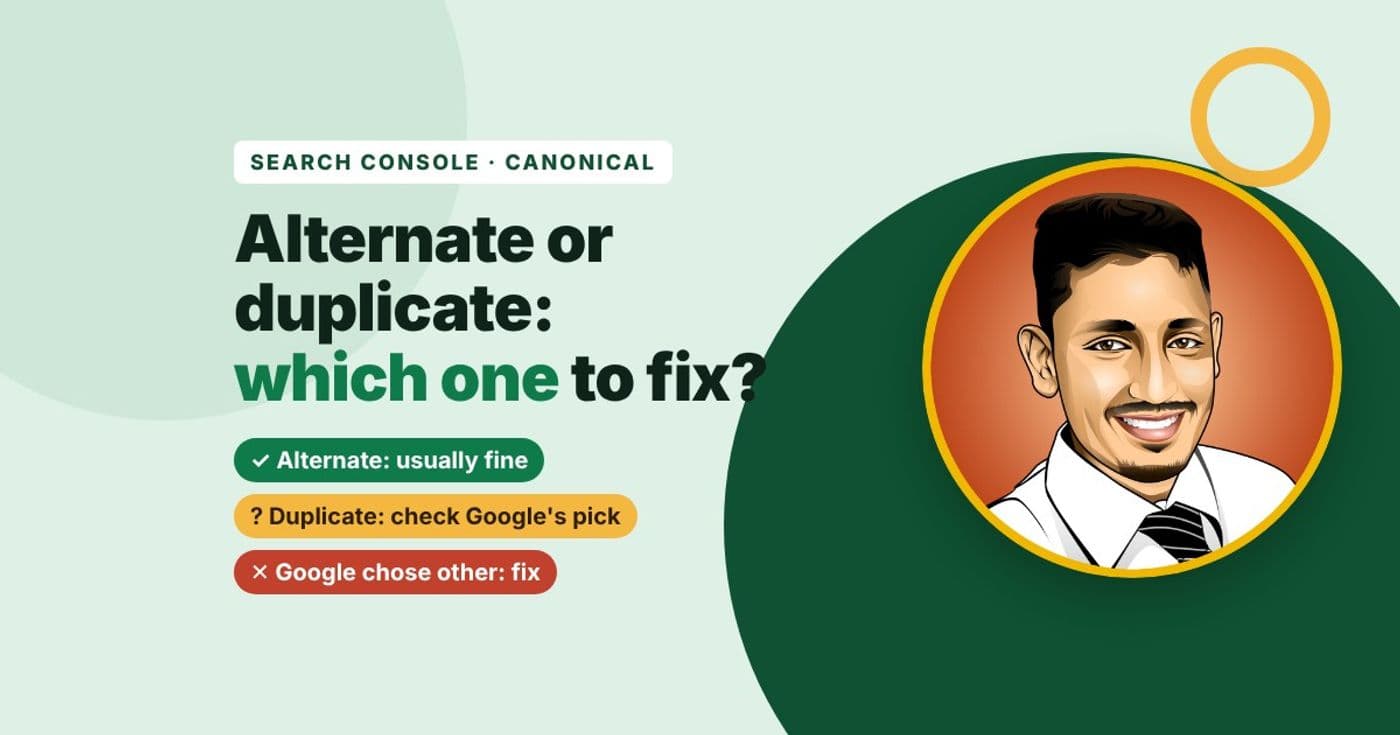
    Alternate page with proper canonical tag: when to fix it

    Search Console told me three of my pages were fine as "alternate" copies, yet all three were the exact pages my visitors land on. So "Alternate page with proper canonical tag" isn't always good news, and the two "Duplicate" rows…

    · 14 min read · by Sandipan Das
  • SEO for Developers

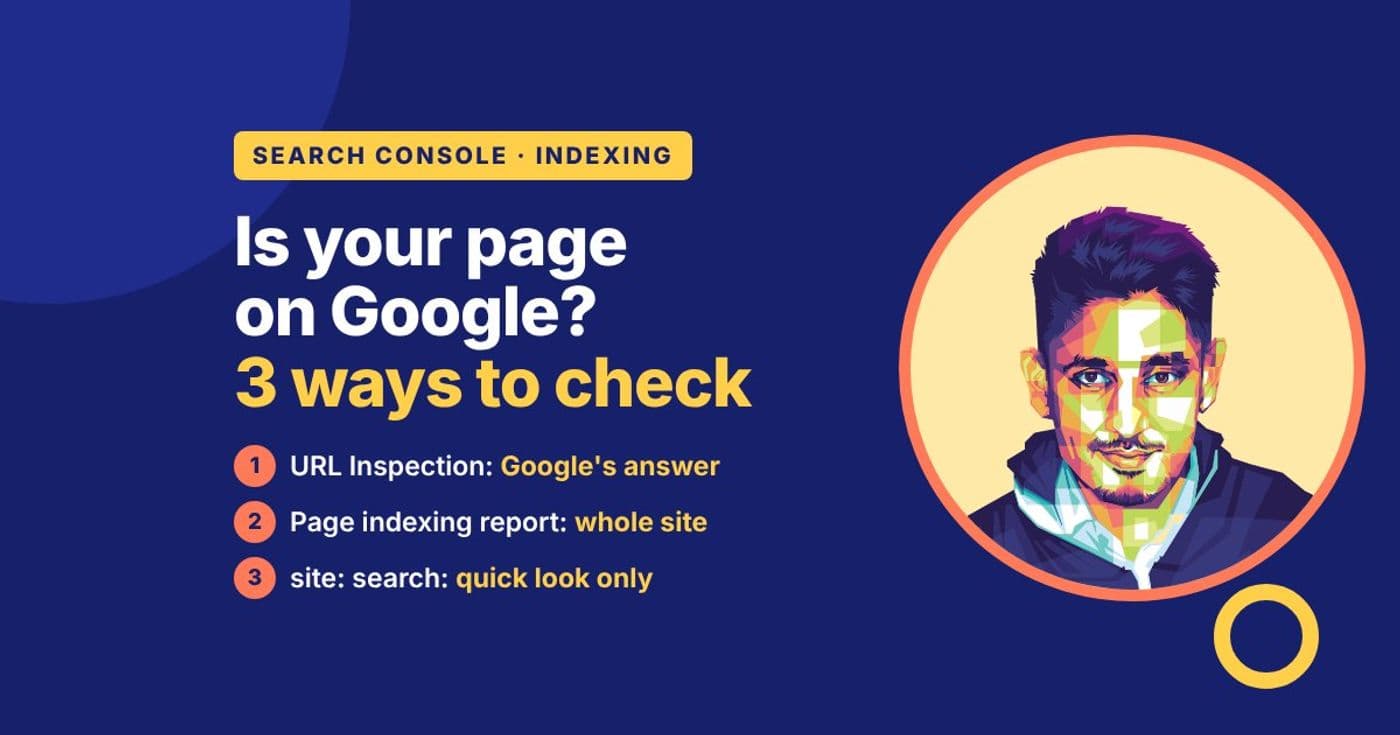
    How to check if a page is indexed by Google (3 ways)

    How do you check if a page is indexed by Google? Paste the page's full address into URL Inspection in Google Search Console. It will say "URL is on Google" or "URL is not on Google", with the reason. To…

    · 6 min read · by Sandipan Das

Showing 10 of 38

Next step

Want this kind of care on your own site?

A first call, then a written scope and a preview URL you can open any time. If Next.js or WordPress is the wrong choice for your project, you hear it on the call.